
Most Tesla owners think charging is simple—just plug it in. It’s not. The gap between a Wall Connector and a Supercharger V4 isn’t minor; it’s the difference between 72 kW and 250 kW, and that gap costs you time, money, and battery health every single day. Whether you’re pulling into your garage or hunting for a public charger, the decisions you make matter far more than Tesla’s glossy brochure ever admitted. Everything you need to make smarter charging decisions is right here.
Wall Connector, Mobile Connector, and NACS: What You Actually Need
Regarding charging your Tesla at home, you’ve got three things worth grasping: the Wall Connector, the Mobile Connector, and NACS.
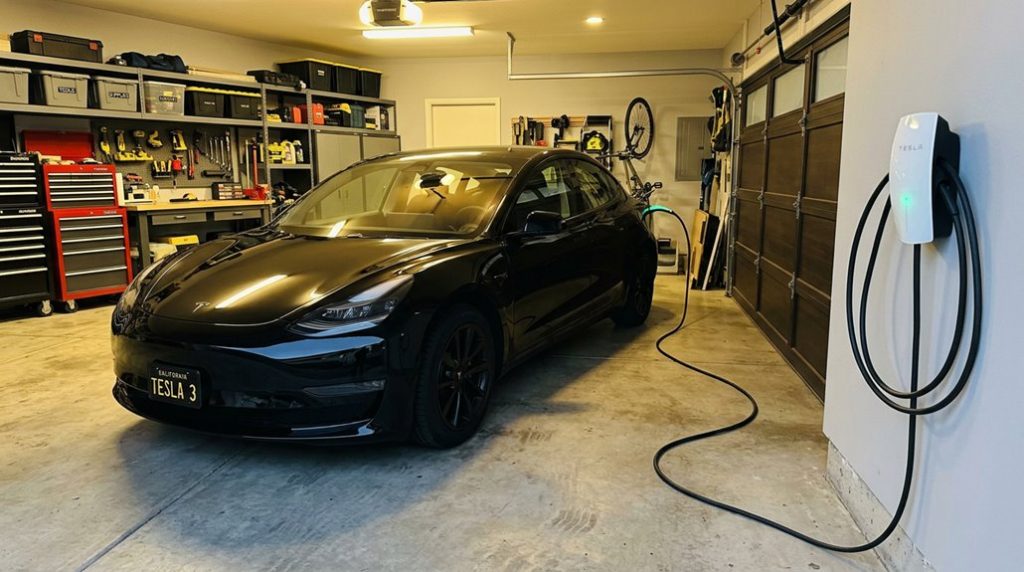
The Wall Connector is your workhorse — a hardwired Level 2 unit pulling 200–240V AC, supplying up to 48 amps and 11.5 kW. That translates to roughly 44 miles of range per hour, which handles most daily driving needs without drama. Your home wiring and power capacity determine whether you max it out or dial it back (it adjusts between 12–48 amps). Slower AC charging at home is also favored for long-term battery health over repeated DC fast charging sessions.
The Wall Connector delivers up to 48 amps and 11.5 kW — roughly 44 miles of range per hour.
The Mobile Connector trades raw speed for travel convenience, plugging into standard outlets via connector adapters — genuinely useful on the road or as backup.
NACS is Tesla’s native connector standard, already baked into North American Wall Connectors. Non-Tesla drivers need adapters for compatibility. The Universal Wall Connector includes an integrated J1772 adapter for non-Tesla EVs, broadening its appeal beyond the Tesla ecosystem.
Bottom line: if you’re charging daily, hardwire the Wall Connector. Everything else is situational.
A home Tesla charging setup works best when it’s consistent, but many owners don’t realize how quickly cables left on the garage floor start to pick up dirt, get stepped on, or develop unnecessary wear that shortens their lifespan over time. Keeping the cable properly mounted and supported with a dedicated Tesla wall charger cable organizer and holster helps maintain a cleaner setup and reduces long-term strain on the charging equipment.
Tesla Supercharger V2 vs. V3 vs. V4: Speed, Power, and Stall Availability
Once you’ve sorted your home charging setup, the next layer worth grasping is what happens when you’re out on the road — specifically, which Supercharger generation you’re plugging into and why it matters. Stall mapping and hardware compatibility directly shape how fast your session runs.
Here’s what separates the three generations:
- V2 delivers up to 150 kW, but paired stalls share power — meaning a neighboring vehicle cuts into your speed.
- V3 pushes up to 250 kW per stall with liquid-cooled cables and largely eliminates that power-sharing penalty.
- V4 targets 250–325 kW today, with system blueprint designed for independent stall delivery and stronger future scaling.
- Real-world speed still depends on your battery’s state of charge, temperature, and vehicle acceptance rate — regardless of the cabinet generation.
For route planning, V3 currently offers the best balance of speed and network coverage. The V4 hardware is also engineered to support future speeds up to 500 kW, making it the more forward-looking option as higher-capacity vehicles and cabinets come online. The V4 cabinet uses a tray-based modular design housing roughly 16 internal power conversion modules, allowing capacity to scale without replacing the entire unit as vehicle technology advances.
Tesla App Charging Controls: Charge Limits, Scheduling, and Preconditioning
Whether you’re managing daily top-ups or coordinating a departure time around your morning coffee, the Tesla app puts serious charging control in your hands — no touchscreen required. Set your charge limit using the left slider for standard charging or the right slider if you’re running Charge on Solar. Both limits apply to immediate and scheduled sessions alike.
Scheduling works by location — Home, Work, or custom stops — and Model Y saves unique schedules per location automatically. The end-by-time feature calculates exactly when charging should start after you plug in, so you’re not doing math at midnight.
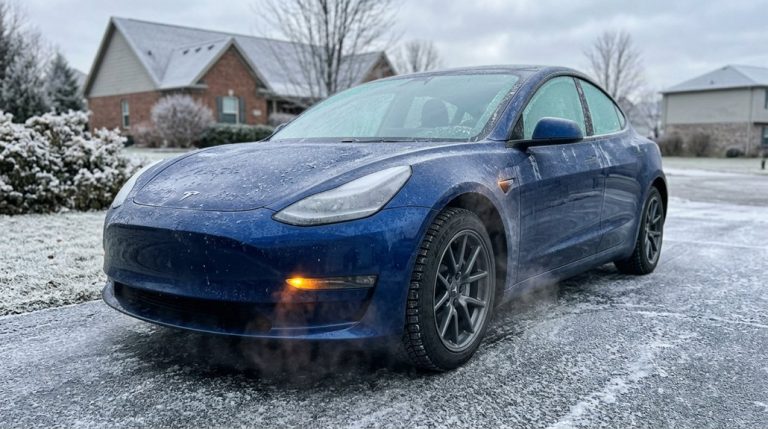
Preconditioning prepares both the battery and cabin before departure, and you can trigger it through Climate Controls or the Charging window. Grant proper app permissions to enable remote scheduling. Battery notifications keep you honest about state-of-charge without requiring a trip to the touchscreen. For non-LFP models, keeping your daily charge limit at 80% reduces unnecessary battery stress during routine overnight sessions. Efficient charging starts with knowing your tools. When using Trip Planner to navigate to a Tesla charging location, the battery is automatically warmed to speed up charge time in cold weather.
Kill Phantom Drain, Dodge Idle Fees, and Protect Your Tesla Battery
Parking your Tesla doesn’t mean it stops consuming energy — it just means you’re no longer in the driver’s seat while it does. Sentry Mode, Cabin Overheat Protection, and Smart Summon Standby quietly bleed your battery while you sleep. Your Tesla should fall asleep within 7–10 minutes of parking if nothing’s keeping it awake.
Four habits that protect your battery and your sanity:
- Disable Sentry Mode overnight — cameras and onboard computers running continuously create the single largest parked-state drain.
- Reduce apps and third-party API polling, which repeatedly wake your vehicle and interrupt sleep cycles.
- Turn off Cabin Overheat Protection during mild weather when cabin temperature isn’t a concern.
- Monitor your Energy app — multi-percent daily losses without obvious cause signal a software bug or low-voltage battery issue worth investigating.
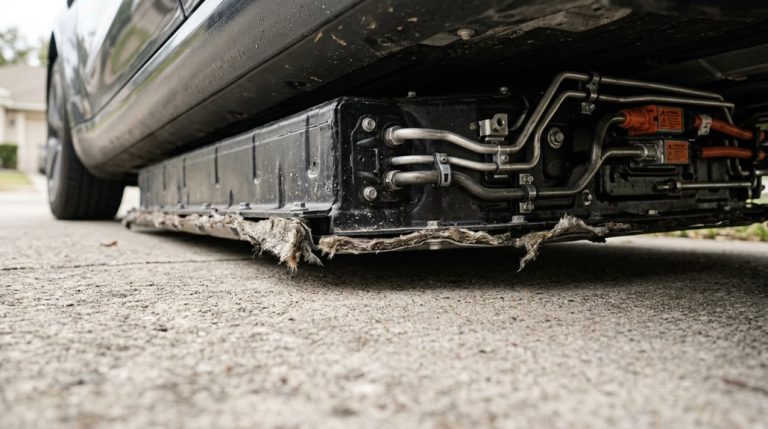
Repeated daily losses aren’t normal. They’re a settings problem wearing a battery problem’s mask. To further safeguard long-term battery health, most owners limit daily charge levels to 70–80% capacity, reserving full charges only for longer trips. New Tesla batteries may appear to degrade quickly in the first year or two, but this initial degradation rate is expected to slow and plateau as the battery completes its learning and calibration period.
Not having a reliable backup charger usually isn’t noticeable—until you’re away from home, the nearest Tesla charger is occupied, or your usual setup is unavailable and you suddenly have no practical way to add meaningful range. That’s why many owners keep a portable Level 2 Tesla-compatible charger in the trunk for situations like travel or unexpected schedule changes, such as this portable Level 2 Tesla-compatible charger so charging flexibility doesn’t depend entirely on one fixed location.
Frequently Asked Questions
Can I Charge My Tesla in the Rain or During a Thunderstorm Safely?
You can charge your Tesla safely in the rain, as Tesla’s charging safety systems are built for wet weather. However, during thunderstorms, avoid it—lightning risks and electrical surges make waiting the smarter call.
What Happens if Someone Unplugs My Tesla While It Is Charging Publicly?
Charging halts instantly, but your range suffers silently. Someone unplugging your Tesla mid-session violates etiquette norms and may carry legal implications. You’ll want Sentry Mode active to capture any unauthorized disconnection evidence.
How Does Cold Weather Specifically Affect My Tesla’s Charging Speed and Range?
Cold weather slows your Tesla’s battery chemistry, cutting charging speed by up to 50% and reducing range by 20–60 miles. Use cabin preconditioning before you arrive at a charger to minimize these effects.
Is It Safe to Leave My Tesla Plugged in for Multiple Days Consecutively?
Yes, it’s completely safe! Leaving your Tesla plugged in for multiple consecutive days actually supports battery health and prevents vampire drain — it’s Tesla’s recommended strategy for long-term storage situations.
Can Two Different Tesla Models Share the Same Charging Equipment Interchangeably?
Funny you’re wondering — yes, different Tesla models often share the same charging equipment interchangeably, thanks to port standardization. Just confirm adaptor compatibility between your specific models, connector types, and markets before assuming everything plugs in perfectly.