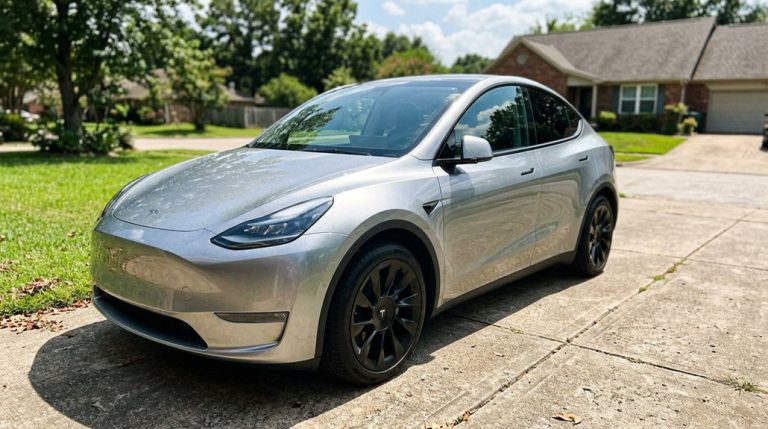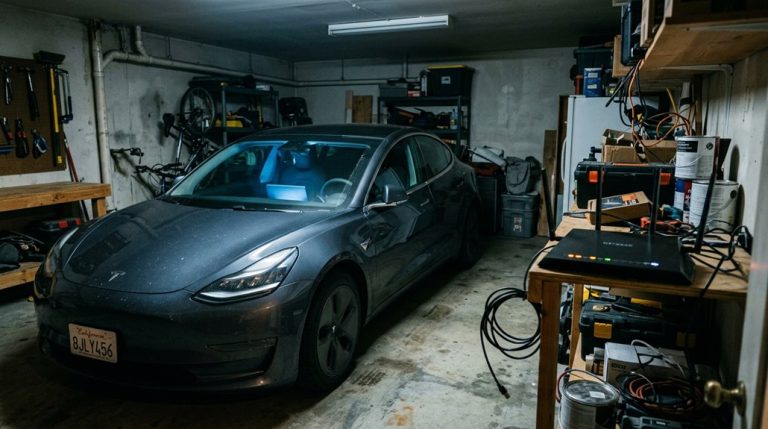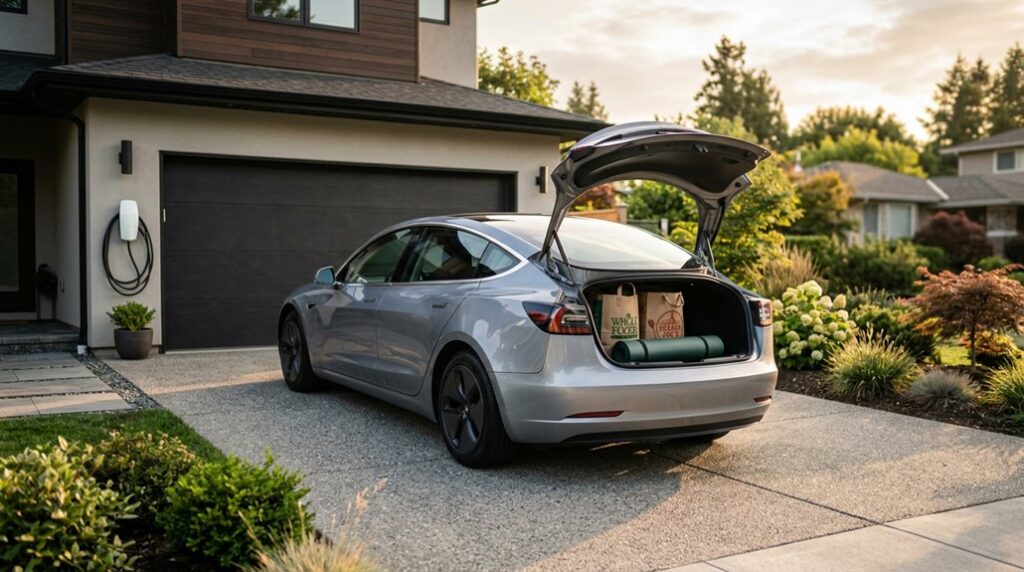

Everyone talks about how impressive Tesla is. Nobody talks about whether it actually fits your life. Charging overnight sounds seamless until your routine says otherwise. Software updates sound exciting until you realize your car changes without your permission. And those curious strangers? Endearing at first—then exhausting. Owning a Tesla isn’t a simple upgrade; it’s a complete lifestyle recalibration. Before you commit, there are specific details about your daily reality that will determine whether this is the smartest decision you’ll make—or one you’ll quietly regret.
What the Tesla Lifestyle Actually Means in Daily Life
Owning a Tesla isn’t just a vehicle swap — it’s a full restructuring of how you think about fuel, distance, and daily routine. Your daily rituals shift immediately. Instead of stopping at a gas station twice a week, you plug in at home overnight using a 240V Level 2 charger, restoring roughly 30–50 miles of range per hour while you sleep.
You wake up to a full battery, every single day (assuming you remembered to plug in — charging etiquette starts with yourself). Trip planning becomes deliberate rather than reactive, with routes built around Supercharger availability and your current state of charge.
Modern Tesla models commonly exceed 300 miles of range, which makes most daily driving genuinely effortless once the new routine clicks. The HVAC system even lets you pre-set the climate before you enter the car, so defrosting on a cold winter morning happens without you ever stepping outside.
Staying informed about your vehicle’s condition is easier than ever too, with features like the ability to check tyre pressure directly from the internal display screen without needing a separate gauge or a trip to a service center.
How Tesla Ownership Changes Your Morning Routine
That daily routine restructuring hits hardest in the morning, and the shift is more practical than dramatic.
Your night rituals change first — you plug in, set a scheduled departure, and walk away. The car handles charging timing automatically, often aligning with off-peak rates.
By morning, you’ve got a full battery without visiting a gas station.
Commute psychology shifts noticeably too. Instead of mentally budgeting for a fuel stop, you check charge level, confirm your route, and unplug.
Cabin preconditioning (managed through the Tesla app) means the interior is already climate-controlled before you enter.
Roughly 70–90% of typical owner charging happens at home, making this the default experience.
The morning becomes an unplug-and-go process — quieter, faster, and surprisingly unremarkable once the habit forms. Most owners set their daily charge limit to 70–80% capacity, reserving a full charge for longer trips to protect long-term battery health.
Tesla ownership feels simple until a small tire pressure drop shows up at the worst possible time—usually when you’re already on the road and range efficiency starts slipping without any obvious warning. It’s one of those issues that doesn’t seem urgent at first, but quickly becomes noticeable once the car doesn’t feel quite as smooth or efficient as usual. Keep a portable tire inflator ready so minor pressure issues don’t turn into avoidable delays or reduced range.
How the Tesla Brand Turned a Scientist’s Name Into a Status Symbol
When you buy a Tesla, you’re not just purchasing an EV — you’re inheriting a name rooted in Nikola Tesla‘s AC induction motor patents, the same foundational technology that made grid-scale electricity distribution possible in the late 1800s. Martin Eberhard and Marc Tarpenning chose that name deliberately in 2003, connecting their San Carlos startup to scientific upheaval rather than Detroit’s combustion legacy, and that single decision quietly repositioned what a car brand could mean culturally. Beyond the motor itself, Tesla filed more than 700 patents across his lifetime, spanning everything from wireless communication to fluorescent lighting, making his name synonymous with the kind of relentless invention the company wanted to embody.
From Scientist to Symbol
Few car brands carry a name with as much scientific weight as Tesla. Nikola Tesla pioneered alternating current and induction motors—the exact technology powering every vehicle wearing his name. That’s deliberate scientific appropriation, not coincidence. Tesla Motors borrowed those associations to anchor the brand in engineering credibility rather than automotive tradition.
What followed was cultural mythmaking at scale. A scientist’s legacy shifted into a lifestyle marker, a social signal, and eventually a status symbol visible on highways everywhere. Early Model S buyers weren’t just purchasing a luxury sedan; they were purchasing association with the future. Elon Musk became so central to this narrative that the public commonly believes he founded Tesla himself, despite the company originating with Martin Eberhard and Marc Tarpenning.
Minimalist interiors, massive touchscreens, and over-the-air software updates replaced traditional prestige cues entirely. One scientist’s name now communicates technical literacy, environmental awareness, and access to emerging innovation simultaneously.
Brand Identity Through Legacy
Martin Eberhard and Marc Tarpenning founded Tesla in 2003 with a name that did considerable heavy lifting from day one—borrowing Nikola Tesla‘s scientific legacy to anchor an electric sports car startup in something more credible than optimism. That’s founder symbolism working overtime.
The “T” logo isn’t arbitrary either; it’s widely interpreted as a cross-section of an electric motor’s rotor and stator, making logo semiotics genuinely functional rather than decorative. RO Studio designed the original shield-based emblem, which Tesla later simplified into its current minimalist mark. The color palette reinforces this positioning, with black and silver chosen for their associations with elegance and luxury, while red serves as an accent to express passion for electric cars.
Dropping “Motors” from the company name in 2017 completed the pivot: Tesla stopped presenting itself as a car company and started presenting itself as a technology platform. You’re not buying transportation—you’re buying into a rebranded scientific inheritance.
Why Tesla Attracts Both Gearheads and Pragmatists
Tesla occupies a rare position in the automotive world because it genuinely appeals to two buyer types that rarely want the same thing: the gearhead chasing performance and the pragmatist running the numbers on total cost of ownership. You’re getting instant torque, sub-3-second launches, and a software-centric design that updates overnight. That’s not status signaling—that’s measurable capability.
Here’s what pulls both crowds in:
- Performance trims deliver dual-motor acceleration that embarrasses sports cars costing twice as much.
- Home charging eliminates gas station math entirely for predictable commuters.
- OTA updates continuously polish driver-assistance features without dealership visits.
The electric ethos running through every Tesla model means you’re not choosing between fun and function. You’re genuinely getting both. Owners frequently act as de facto salespeople for the brand, reflecting a level of loyalty that goes well beyond typical car enthusiasm.
How Tesla Performs as a Status Symbol vs. a Practical Tool
Depending on where you live and what you drive, a Tesla can mean completely different things to completely different people. In tech-dense urban markets, early Model S ownership functioned as genuine status signaling — green luxury before green luxury was common. That edge has softened considerably.
With over 1.8 million U.S. deliveries logged in 2023, Model 3 and Model Y now read as practical utility vehicles more than prestige statements. Elon Musk’s polarizing public profile has further complicated the badge’s social meaning, turning it into a reputational signal in some circles.
What hasn’t changed is the fundamentals: low operating costs, Supercharger access, strong safety ratings, and over-the-air updates make Tesla genuinely useful daily transportation. Status fades. Utility compounds. Tesla currently does both, just unevenly depending on your zip code. In markets where EVs remain scarce, models like the Model S Plaid still command attention and preserve aspirational symbolic value.
Which Tesla Model Fits Your Actual Lifestyle?
Status matters until it doesn’t, and what actually sticks is whether a car works for your life. Match the model to your actual routine before anything else.
Status fades. What endures is whether the car actually fits your life—match model to routine first.
- Solo commuter: Model 3’s compact footprint wins on commute ergonomics and garage dimensions (check your ceiling clearance against its 56.8-inch height).
- Family hauler: Model Y’s 854L trunk (seats up) and hatchback opening handle strollers, dogs, and groceries without argument.
- Long-distance traveler: Model S delivers 400+ miles on select trims, making charge-stop math genuinely relaxed on highway runs.
Your lifestyle dictates the right answer here. Efficiency-focused solo drivers rarely need Model X’s Falcon Wing doors. Families rarely survive long with Model 3’s tighter rear headroom. Pick accordingly. For buyers who need all-weather confidence, the dual-motor AWD variants of Model 3 and Model Y are specifically recommended for harsh winter climates.
Tesla interiors stay clean in theory, but in daily use the center console quickly becomes a catch-all for cables, sunglasses, cards, and small items that end up shifting around every time you drive. It’s a slow build-up—nothing urgent at first—until you realize how much time you waste just digging for things that should be easy to reach. Keep a center console organizer ready so every essential item has a fixed place instead of disappearing into clutter.
The Real Cost of Owning a Tesla Over Five Years
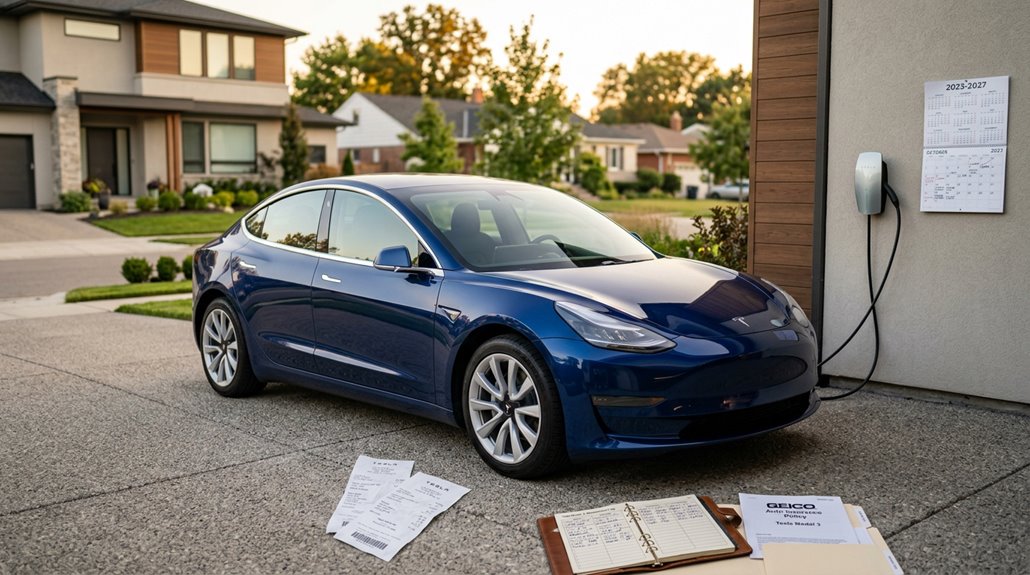
Owning a Tesla looks expensive on the sticker and surprisingly reasonable on a spreadsheet—until you actually run the numbers carefully.
A new Model 3 typically costs $29,000–$32,000 over five years; a used one runs $23,000–$27,000. Depreciation hits hardest upfront, while insurance rivals maintenance as your biggest recurring expense. Home charging averages $0.04–$0.07 per mile, adding roughly $2,400–$3,100 over five years—significantly cheaper than gasoline.
However, lean too heavily on DC fast charging (ignoring basic charging etiquette like vacating stalls promptly), and that fuel advantage shrinks fast. Battery replacement remains unlikely within five years given Tesla’s thermal management, but post-warranty electronics repairs can surprise you.
Tires wear faster than expected due to instant torque and vehicle weight. Budget honestly, and Tesla ownership genuinely pencils out.
Insurance premiums for Tesla vehicles run 10–20% higher than comparable gas-powered cars, largely due to elevated repair costs and parts availability constraints.
Tesla Insurance: What It Covers and How It Compares
Insurance is where Tesla ownership gets genuinely interesting, because Tesla actually sells its own coverage in most U.S. states—and it’s not just a rebranded third-party policy stapled to the app.
Tesla doesn’t just sell cars—it sells insurance too, and it’s actually built from the ground up.
It’s built around usage tracking through your car’s existing sensors—no dongles required.
Three things make Tesla Insurance worth comparing seriously:
- Safety Score pricing — your monthly premium shifts based on real driving behavior
- Gap coverage — optional protection covering what you owe versus what the car’s worth after a total loss
- App management — quotes, updates, and payments live entirely inside the Tesla app
Your initial Safety Score assumes 90 until real data accumulates.
Coverage includes liability, collision, all-risk, and rental reimbursement.
Wall charger replacement ($3,000) and cyber fraud protection ($15,000 per occurrence) round out an unusually specific package.
For owners comparing third-party options, Lemonade’s average monthly cost for Tesla coverage in 2025 ranges roughly $32–$41 depending on your model and driving history.
Repair Costs and Service Wait Times by Region
Knowing what your Tesla costs to insure is one piece of the ownership budget—knowing what it costs to *fix* is the other, and that number swings harder depending on where you live than most buyers expect.
Regional pricing varies dramatically: windshield replacement runs $900–$1,800, bumper cover replacement hits $1,500–$4,000+, and basic diagnostics floor around $122–$179. RepairPal pegs average annual maintenance at $832, though CarEdge’s 10-year Model 3 estimate lands at a reasonable $3,222 total.
Wait time drivers compound the sting—sparse Tesla-approved body shops, parts shipped internationally, and high-demand markets all stretch repair timelines. Approved collision centers concentrate around Pomona and San Jose, California, meaning rural owners routinely absorb longer waits alongside higher costs. Distance from a service center isn’t just inconvenient; it’s expensive.
Tesla vehicles have been subject to 79 known recalls, with the most frequently cited issue being instrumentation warnings displayed in a font size too small for drivers to reliably read.
Tesla Resale Value: How It Holds Up Against Competitors
When you’re calculating the true cost of Tesla ownership, resale value is the variable that quietly swallows more money than most buyers budget for—or quietly saves more than they expected, depending on which model you bought and when. Model specific depreciation isn’t uniform across Tesla’s lineup.
Resale value is the variable that quietly swallows more money than most Tesla buyers ever budget for.
Here’s what the data actually shows:
- Model 3 retains roughly 45–50% of its value after five years—genuinely competitive.
- Model S and X each dropped over 15% in one recent year while gas vehicles *gained* 5.2%.
- Incentive impacts matter because federal EV credits shift buyer demand toward new vehicles, pressuring used prices downward.
Tesla’s resale advantage hasn’t disappeared—it’s just become model-specific, mileage-dependent, and far less predictable than the badge once promised. Studies show the Model S still retains value twice as well as the average gasoline-powered car over five years.
Home Charging Setup: What You Need Before Day One
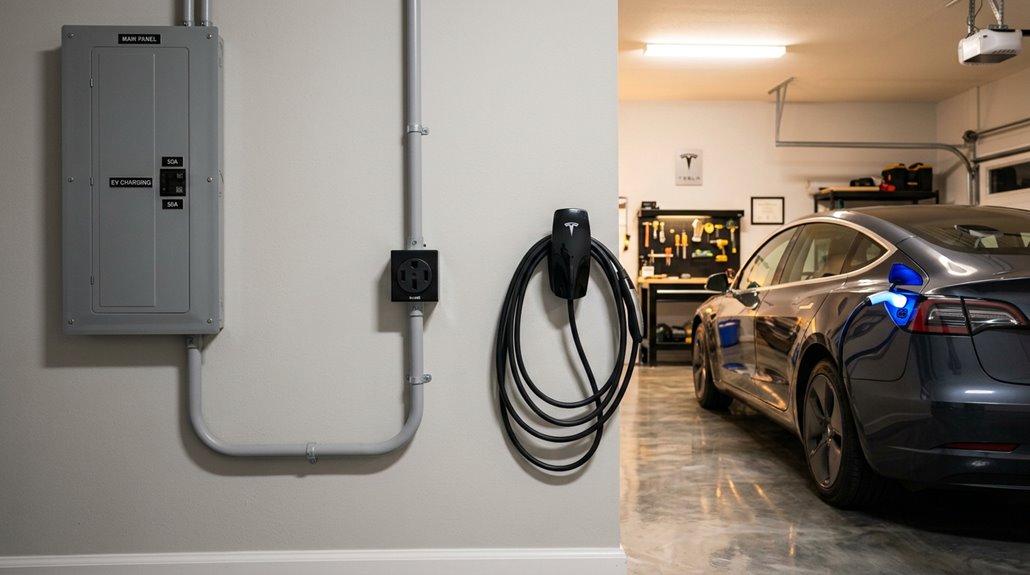
Before your Tesla arrives, your home’s electrical panel deserves a hard look — specifically, whether it has an open breaker slot and enough headroom to support a dedicated charging circuit (a 60 amp breaker is the gold standard, supplying 48 amps of continuous current to a Wall Connector).
Your charging level choice comes down to daily mileage: a standard 120 V outlet adds roughly 3 miles of range per hour, which covers low-mileage routines overnight, while a 240 V setup via a NEMA 14-50 outlet or hardwired Wall Connector pushes that to 30 miles per hour — a meaningful difference if you’re regularly putting distance on the car.
Installation costs vary widely depending on panel capacity, wire run length, permitting fees, and whether your electrician needs to trench conduit or upgrade your main panel, so get that quote before you configure your Tesla, not after. Scheduling your charging sessions during off-peak hours can meaningfully reduce your electricity costs over time.
Assessing Your Electrical Panel
Your electrical panel is the starting point for everything that follows in a home charging setup, and getting a clear portrait of what you’re working with now will save you from expensive surprises later.
A proper panel assessment answers three critical questions:
- What’s your service size — 60, 100, or 200 amps?
- How much capacity do existing loads (AC, dryers, ovens) actually consume?
- Does available headroom support a dedicated 240-volt circuit without triggering a service upgrade?
Most 200-amp panels handle Level 2 charging comfortably.
Older 100-amp panels sometimes manage, depending on household demand.
Sixty-amp service almost always requires upgrading before installation begins.
Hire a licensed electrician to run a proper NEC load calculation — guessing here gets expensive fast. Total load should remain under 80 percent of your panel’s capacity to maintain a safe operating margin.
Choosing A Charging Level
Most Tesla owners face the same fork in the road early: slow and simple, or fast and permanent.
Level 1 charging uses a standard household outlet, adding roughly 3 miles of range per hour. That’s fine if you’re driving under 30 miles daily and charging overnight.
Level 2 changes the math entirely. A 240 V outlet with a Mobile Connector delivers up to 30 miles per hour; a hardwired Wall Connector pushes that to 44 miles per hour (11.5 kW).
Your actual choice depends on your daily mileage, parking situation, and willingness to involve an electrician. Most owners with garages upgrade to Level 2 quickly. Those in apartments often start with Level 1 and reassess. Neither answer is wrong — only mismatched. Installing a new 240 V outlet typically runs between $750 and $1,500, depending on your panel’s location and whether any upgrades are needed.
Installation Costs Explained
Once you decide on Level 2, the next question isn’t whether to install — it’s how much it’ll cost and what you’re walking into. Installation variability is real, and the range is wide.
Three factors drive your total:
- Panel readiness — a modern 200A panel with open breaker space keeps costs around $700–$1,200
- Conduit run length — short 5–15 foot runs stay cheap; 20–40 foot runs push toward $1,200–$2,000
- Panel upgrades — if yours needs replacing, expect $2,500–$3,500+
The Tesla Wall Connector itself runs roughly $450. Add labor ($300–$900 for straightforward work) and permit considerations ($50–$300 depending on your municipality), and a typical install lands between $1,200–$2,000. Know your panel before calling electricians.
The federal tax credit covers 30% of eligible equipment and installation costs, up to $1,000, but only through June 30, 2026 — so timing your install matters.
How Much Does It Cost to Charge a Tesla at Home?
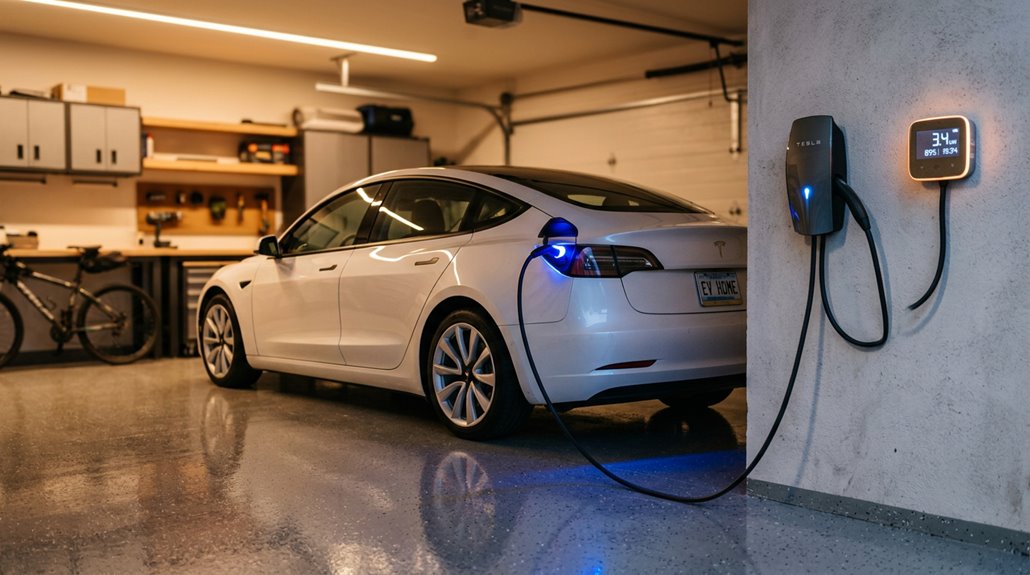
Charging a Tesla at home costs far less than most people expect—and that’s before you factor in off-peak electricity rates. Home costs typically run between $11 and $23 for a full charge, depending on your model and local utility rates. Charging efficiency losses (roughly 10%) mean your bill reflects slightly more than raw battery capacity.
| Tesla Model | Battery Size | Avg. Home Charge Cost |
|---|---|---|
| Model 3 RWD | ~50 kWh | ~$11.35–$11.80 |
| Model Y Long Range | ~75 kWh | ~$14.15–$14.72 |
| Cybertruck | ~123 kWh | ~$23.24 |
States like Arkansas keep costs near $4.25, while California pushes closer to $9.88—same charge, wildly different bill. Using smart charging systems to schedule charging during off-peak hours can shift your costs to as low as $0.13 per kWh, maximizing your savings over time.
How to Eliminate Tesla Range Anxiety for Good
Range anxiety is mostly a planning problem, not a battery problem—and once you shift from watching estimated miles (which swing with speed, temperature, and headwinds) to tracking battery percentage, the whole equation gets cleaner and more predictable.
Tesla’s built-in trip planner handles the heavy lifting by calculating Supercharger stops, estimating arrival state of charge, and even preconditioning the battery before you pull in, so charging stops become scheduled pit stops rather than emergencies.
Pair that with a solid home charging setup that tops you off overnight, and you’ll start nearly every drive from a known baseline—which, it turns out, is where range confidence actually begins. The United States now has more than 130,000 chargers available, meaning backup options are rarely far away no matter where your route takes you.
Understanding Real-World Range
Why does your Tesla’s dashboard show 300 miles of range when you barely squeeze out 220 on a highway run? Welcome to real world range variance—where EPA lab conditions meet actual physics.
Three factors shrink your usable miles fast:
- Speed impact — Driving 70 mph increases air resistance dramatically, cutting range 15–30% versus EPA figures.
- Charging window — A 20–80% window gives you roughly 60% of total capacity (about 217 miles on a 363-mile-rated Model 3 Long Range).
- Conditions — Cold weather, hills, and large wheels compound losses further.
Real-world efficiency typically lands at 70–85% of EPA ratings on highway trips. Plan around *actual* miles per charge, not the optimistic number your dashboard cheerfully displays. The EPA testing protocol is performed in a laboratory at room temperature and never exceeds 60 mph, meaning its estimates are virtually guaranteed to diverge from what you experience on real roads.
Strategic Charging Route Planning
Once you’ve accepted that your Model 3 Long Range will deliver closer to 250 highway miles than the 358 on the sticker, the next move is building a route that accounts for every one of those missing miles before you back out of the driveway.
Tesla’s built-in Trip Planner handles the heavy lifting, inserting Supercharger stops automatically and displaying estimated arrival state, stop durations, and station sequencing. Your battery strategy should target 65–70% per stop rather than charging to 80%, because DC fast-charging tapers considerably above that threshold (slower electrons, longer waits, annoyed queue).
Good charger etiquette means leaving once you’ve hit your target percentage.
Tools like A Better Route Planner add simulation depth, letting you stress-test elevation changes, speed, and weather before departure. Tesla’s route planner now uses predictive analytics to forecast Supercharger congestion within a short time window and preemptively reroute you before queues form.
Home Charging Setup Essentials
The single most effective cure for range anxiety isn’t a bigger battery — it’s a charger in your garage. Overnight charging reshapes your Tesla’s routine completely. You wake up full every morning — no detours required.
Your three main options:
- 120V outlet — adds roughly 3 miles per hour (fine for light daily driving)
- 240V Mobile Connector — jumps to 30 miles per hour using standard NEMA 14-50 outlets
- Wall Connector — hardwired, fastest home solution, handles high-mileage lifestyles effortlessly
Electrical upgrades sometimes become necessary when your panel lacks sufficient amperage for Level 2 charging (typically a dedicated 50-60 amp circuit).
A licensed electrician handles conduit work and panel configurations professionally. Proper installation eliminates interruptions, making anxiety genuinely obsolete. The Tesla Wall Connector delivers approximately 44 miles of range per hour, making it the strongest investment for drivers who consistently cover significant daily distances.
How to Plan a Long-Distance Tesla Road Trip
Planning a long-distance Tesla road trip takes more thought than a traditional gas-powered drive, but the process is also far more systematic once you grasp how the tools work together.
Start inside the car — Tesla’s built-in Trip Planner calculates charging stops, estimated arrival percentages, and even triggers battery preconditioning en route so you’re not waiting at a cold Supercharger.
Tesla’s built-in Trip Planner doesn’t just route you — it preconditions your battery so charging starts the moment you arrive.
Then validate that route using A Better Routeplanner (ABRP), which accounts for elevation, weather, and speed variables your Tesla won’t always catch.
Target charging windows between 10% and 80%, where charging etiquette and speed actually favor you.
Depart at 100%, check tire pressure, pack your cables, and identify backup chargers before leaving.
Efficiency rewards preparation, not improvisation. If anything goes wrong during your trip, contact your resource administrator and provide the exact time and actions that preceded the issue, such as reaching out to webmaster@tesliens.com, as detailed logs are your fastest path to a resolution.
How to Use the Supercharger Network on Long Trips
Getting your route dialed in is only half the job — actually working the Supercharger network efficiently is where road trips either flow or stall. Your stop strategy matters more than most drivers realize.
Follow these three principles:
- Target 10–65% state of charge between stops — charging slows noticeably beyond 70%, so leaving early saves time.
- Keep route guidance active to trigger automatic battery preconditioning, warming the pack before arrival and maximizing charging speed.
- Move your car promptly after charging — idle fees at busy Supercharger sites add up fast.
Tesla’s network spans over 80,000 global Superchargers, typically positioned near restaurants and restrooms. A 15-minute stop can realistically add 200 miles. At particularly busy locations, the network may limit charging to 80% to maximize stall throughput and keep wait times manageable for all users.
Brief, intentional stops beat marathon charging sessions every single time.
How to Find Reliable Third-Party Chargers on Any Route
Superchargers are great until you’re driving a non-Tesla EV, traveling a route with gaps in Tesla coverage, or simply need a top-up somewhere the Supercharger network hasn’t reached yet — and that’s where knowing how to navigate third-party charging infrastructure becomes genuinely useful.
Start with connector verification before departure: J1772 handles AC Level 2, CCS1 covers DC fast charging, and NACS is increasingly standard on 2025+ vehicles.
For charger scouting, layer two apps — ABRP for route-optimized stop planning and PlugShare for live user check-ins revealing broken stalls or payment failures.
Real-time availability data sounds reassuring but trust recent comments more than green status indicators.
Always identify a backup station between major legs, especially in rural corridors where the next viable option might be thirty miles further than comfortable. Networks like Electrify America and EVgo concentrate their DC fast infrastructure along highways and travel corridors, making them reliable anchors when building out contingency stops on longer routes.
How to Drive a Tesla in Heavy Snow and Ice
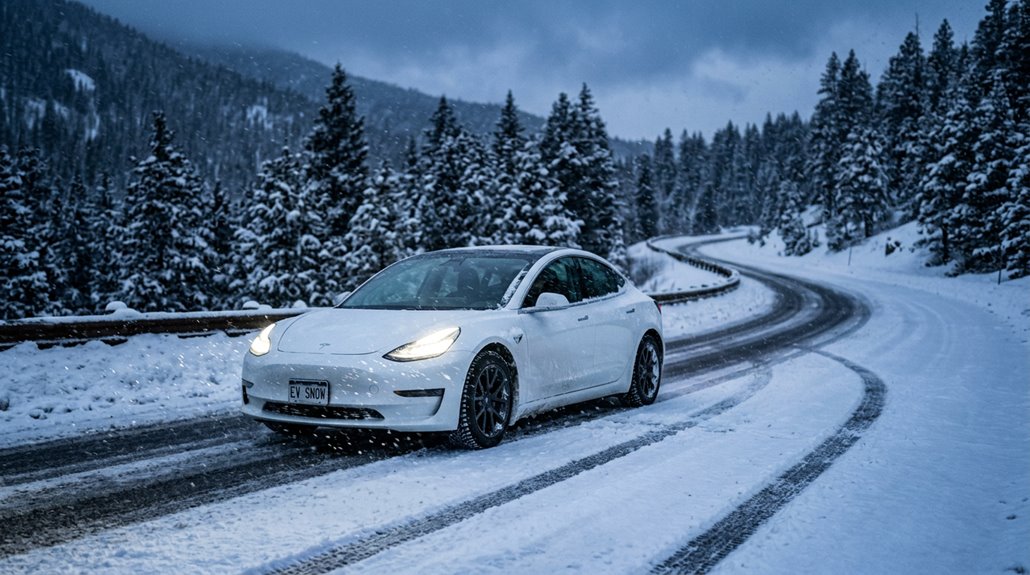
Driving a Tesla in heavy snow and ice demands respect for physics that no amount of software wizardry fully overrides, so start by fitting proper winter tires (not just all-seasons), since tire compound and tread pattern contribute more to real-world traction than your drivetrain configuration ever will.
Once you’re rolling, enable Chill Mode to soften that instant torque delivery and dial regenerative braking down to Low, because aggressive regen on packed snow behaves exactly like abrupt braking — the rear steps out before you’ve had time to react.
Cold weather also quietly drains your battery (expect 10–30% range reduction depending on temperature and trip length), so precondition the cabin and battery while still plugged in, schedule overnight charging to finish near departure, and build a meaningful charge buffer before any winter highway run. Keeping your charging port snow-free ensures you won’t face unexpected interruptions when you need to top up before heading out in freezing conditions.
Winter Tire Recommendations
Most Tesla owners figure out pretty quickly that their car’s traction control and all-wheel drive can only do so much when temperatures drop below 45°F — and that’s exactly where tire choice takes over.
Winter tire rubber compounds stay flexible in cold, providing real traction comparison advantages over all-season tires on snow and ice.
Here are three strong fitment advice picks for Tesla winter driving:
- Michelin X-Ice Snow — balanced grip, tread life, and minimal range impact
- Nokian Hakkapeliitta R5 EV — built for severe climates with EV-specific low rolling resistance
- Pirelli Winter Sottozero 3 — performance-oriented with OEM-friendly Tesla fitment
Stick with 18- or 19-inch wheel packages.
Smaller diameters allow more sidewall flex, improving compliance without sacrificing control. The Model Y’s instant torque delivery can overwhelm marginal all-season tires on ice, making a dedicated winter setup especially critical for safe acceleration out of stops.
Battery Performance In Cold
Cold weather doesn’t just make driving harder — it fundamentally changes how your Tesla’s battery behaves at a chemical level. Lithium-ion cells slow their electrochemical activity below freezing, cutting usable range by 20–40% depending on conditions. At 0°F, expect that reduction even after preconditioning.
Cold charging compounds the problem — Supercharging starts at reduced rates until the battery warms sufficiently, potentially extending sessions by 25–50%. Tesla’s routing auto-preconditions before Supercharger arrivals, which helps considerably.
Cabin tradeoffs matter here too. Unlike gas vehicles, Teslas have no engine waste heat, so the battery powers all cabin warming directly — shrinking your range further. Use seat heaters instead; they draw notably less energy. Keep charge above 20% in bitter cold. Regenerative braking also temporarily limits until the battery reaches operating temperature. Parking in a garage overnight provides significant thermal protection, helping the battery retain heat and reducing the energy needed to reach optimal operating temperature.
Snow Mode Driving Tips
Beyond settings, your inputs matter enormously.
Brake earlier (significantly earlier), steer gradually, and maintain larger following distances.
Heavy EVs carry real momentum.
The software helps, but physics finally decides.
Winter tires remain your single biggest performance upgrade, full stop.
Snow Mode optimizes both traction and stability simultaneously, making it essential before you even move on slippery surfaces.
How Cold Weather Shrinks Your Tesla Range and What to Do
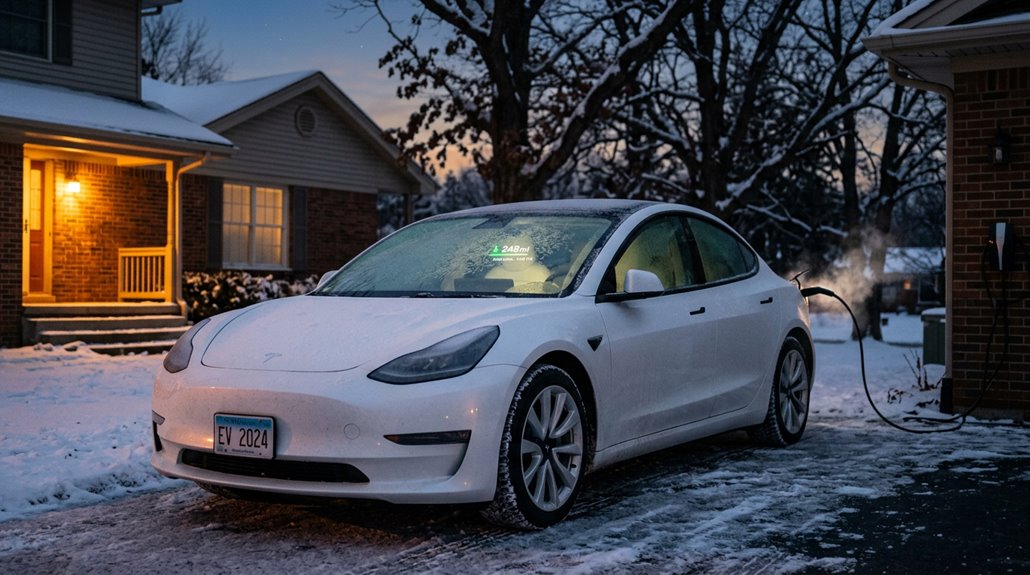
Winter doesn’t just make driving less pleasant — it actively shrinks your Tesla’s usable range in ways that catch new owners off guard. Cold lithium-ion cells discharge less efficiently, cabin insulation works harder against freezing temperatures, and your battery dedicates energy to heating itself rather than moving you forward.
The result? Expect roughly 20–40% range loss in freezing conditions, sometimes worse on highways with headwinds. The cabin heating demand is responsible for the majority of range loss you experience in cold weather.
Your best defense is battery preconditioning — scheduling departure times through the Tesla app so the battery reaches peak temperature before you leave (ideally while still plugged in). A Model 3 Long Range rated at 358 miles might realistically deliver 215–285 miles in serious cold.
Plan accordingly, add charging stops, and never assume rated range reflects winter reality.
Preconditioning Your Tesla Battery Before Winter Drives
Preconditioning your Tesla battery before a winter drive is one of those habits that separates owners who grasp the car from those perpetually frustrated by it. Cold batteries throttle regenerative braking, slow winter charging, and limit power output—battery preheating solves all three simultaneously.
Here’s your activation hierarchy:
- Scheduled Departure — Tesla warms the battery automatically before your set departure time
- Tesla app climate controls — Manual trigger works well for unplanned cold-morning starts
- Navigate to a Supercharger — The car preconditions en route, optimizing winter charging speeds automatically
Start preconditioning 30–45 minutes before departure. One honest caveat: if your Tesla isn’t plugged in, preconditioning draws from the pack itself, trimming available range before you’ve even reversed out of the driveway. Charging a near-freezing lithium-ion battery without preconditioning first risks permanent damage, making this step especially critical in sub-32°F conditions.
How Summer Heat Affects Tesla Range and Battery Health
Summer heat doesn’t punish your Tesla’s range as brutally as winter cold does, but it’s no free pass — real-world data from roughly 29,716 EVs showed about a 5% range loss at 90°F, climbing to 17–18% at 100°F, largely because your air conditioner pulls continuous energy to maintain cabin comfort against a punishing thermal gradient.
Your battery’s thermal management system also works overtime in sustained heat, occasionally throttling charging speeds to protect cell integrity and accelerating long-term degradation when extreme temperatures become a recurring condition rather than an occasional inconvenience.
You can blunt these effects meaningfully by pre-cooling the cabin while still plugged in, parking in shade to reduce interior thermal load, and charging during cooler parts of the day — small habits that collectively preserve both your daily range and your pack’s long-term capacity.
Heat’s Impact on Range
Heat gets a bad reputation in the EV world, but the actual range impact during summer is more subtle than most people assume. Recurrent’s study of nearly 30,000 EVs revealed some reassuring numbers:
- At 90°F, you’ll lose roughly 5% of your summer range — mostly from cabin cooling demands.
- At 100°F, that loss climbs to about 17–18%.
- Beyond 105°F, losses become genuinely significant, approaching 40% in sustained extreme conditions.
Here’s what’s interesting: speed often matters more than temperature. At 86°F, driving 80 mph instead of 50 mph can slash range by 28% — aerodynamic drag compounds everything.
Pre-cooling your cabin before departure reduces the immediate air conditioning load once you’re moving, which is a simple habit worth building.
Battery Health in Summer
A smart shade strategy keeps ambient temperatures lower without any technology involved. Charge timing matters too — schedule charging to finish close to departure, avoiding long holds at 90–100% in summer heat.
Use thermal monitoring through your app to catch abnormal patterns early, before permanent capacity loss shows up on your range estimates.
Managing High Temperature Charging
When temperatures climb past 95°F (35°C), your Tesla’s thermal management system stops being a background process and starts becoming an active participant in every charging session. Battery cooling works harder, pulling energy away from the charge itself. The result? A slower, sometimes frustrating session.
Here’s what’s actually happening:
- Battery cooling demand spikes, reducing available charging power
- Charging taper begins earlier, sometimes before you reach 80% state of charge
- Station hardware overheats, derate output independently of your vehicle
You can fight back strategically. Charge during cooler morning or nighttime hours. Park in shade beforehand. Target 80%-90% instead of 100%—you’ll avoid the slowest portion of the charge curve entirely.
Lithium-ion batteries genuinely prefer 68°F–77°F (20°C–25°C). Summer is simply non-negotiable physics.
How Autopilot and FSD Change Your Daily Commute
Once you’ve spent a few weeks commuting with Autopilot engaged, manually steering through the same stretch of highway starts to feel oddly exhausting by comparison. That’s commute ergonomics working against you—your body acclimates to reduced micro-corrections, then protests when they return.
Autopilot handles lane-centering and adaptive cruise control most effectively on highways, where clear markings and predictable traffic patterns let the system operate confidently. FSD extends that capability into urban roads, though it demands stricter supervision protocols—you’re still legally responsible for everything.
Construction zones, narrow lanes, and ambiguous markings remain genuine weak points requiring immediate manual intervention. Tesla’s telemetry suggests lower collision rates with active features engaged, but that’s not permission to stop paying attention.
Tesla Navigation vs. Third-Party Apps: Which Wins on the Road?
Tesla’s built-in routing does something no phone app can fully replicate — it pulls real vehicle data (current battery state, tire specs, elevation ahead, recent energy usage patterns) to generate charging stops and ETAs that are genuinely customized to *your* car on *that* specific route.
Third-party apps like Waze, Google Maps, and A Better Routeplanner fight back with faster traffic rerouting, broader non-Tesla charger discovery, and the kind of aggressive congestion-dodging that Tesla’s native system occasionally fumbles in dense urban corridors.
Knowing which tool to reach for depends entirely on your goal: Tesla guidance wins for integrated Supercharger planning, while third-party apps earn their keep when live traffic flexibility or detailed energy-strategy comparisons become the priority.
Built-In Navigation Strengths
One debate that comes up constantly among Tesla owners is whether the built-in route guidance can hold its own against Google Maps or Waze — and for EV-specific routing, it genuinely can.
Tesla’s routing pulls direct vehicle data — battery level, terrain, temperature, driving style — to generate estimates that third-party apps simply can’t match.
Here’s where it earns its keep:
- Supercharger integration automatically inserts charging stops based on real-time battery status.
- Arrival state of charge is displayed at each stop, eliminating guesswork.
- Dynamic rerouting redirects you if a station runs busy.
You’re not just getting directions — you’re getting a system that grasps your battery.
That’s a meaningful advantage most mapping apps can’t replicate.
Third-Party App Advantages
That said, the built-in system has real blind spots — and that’s where third-party apps earn their place in your daily toolkit.
Waze consistently outperforms Tesla’s native routing for aggressive traffic avoidance, rerouting around congestion in real time rather than passively acknowledging it. Google Maps offers broader coverage when you’re somewhere Tesla’s map data feels thin.
For serious road trips, A Better Route Planner (ABRP) handles Alternative Routing alongside arrival state-of-charge estimates, combining charger availability, timing, and energy consumption in one view.
Need deeper Energy Analytics? Apps like ZEVA analyze acceleration patterns, regenerative braking efficiency, parked energy draw, and charging costs with granular precision. The tradeoff is integration — third-party tools lack Tesla’s vehicle-aware calculations, so treat them as specialized instruments, not full replacements.
Real-World Performance Compared
When you strip away the brand loyalty and actually test both systems back-to-back on real roads, the answer isn’t clean — each tool wins in a different category.
Here’s where each system dominates:
- Energy Accuracy — Tesla’s native planner wins outright, using real vehicle data (elevation, temperature, tire specs) for precise range estimates.
- Traffic Aggressiveness — Waze dominates here, offering assertive rerouting that Tesla’s Conservative Routing simply doesn’t match.
- Charger Integration — Tesla’s system is unbeatable, automatically sequencing Supercharger stops into your route without manual input.
The honest takeaway? Use Tesla route guidance when charging strategy matters.
Switch to Waze when traffic avoidance is the priority.
Neither app replaces the other — they’re genuinely better at different things.
How Regenerative Braking Changes the Way You Drive
Driving a Tesla for the first time feels familiar right up until the moment you lift off the accelerator and the car starts slowing itself down without you touching the brake pedal. That’s regenerative braking converting your forward momentum into electricity rather than heat.
The deceleration feel takes maybe a week to internalize, but once it clicks, your driving technique shifts permanently. You’ll start lifting earlier before stop signs, anticipating traffic gaps with more precision, and reaching the brake pedal far less frequently.
In urban driving especially, this regenerative technique can recover 10–20% of your total range across a day’s worth of stops. Your brake pads, meanwhile, quietly appreciate the reduced workload — some Tesla owners report 100,000 miles between brake services.
One-Pedal Driving in Stop-and-Go Traffic
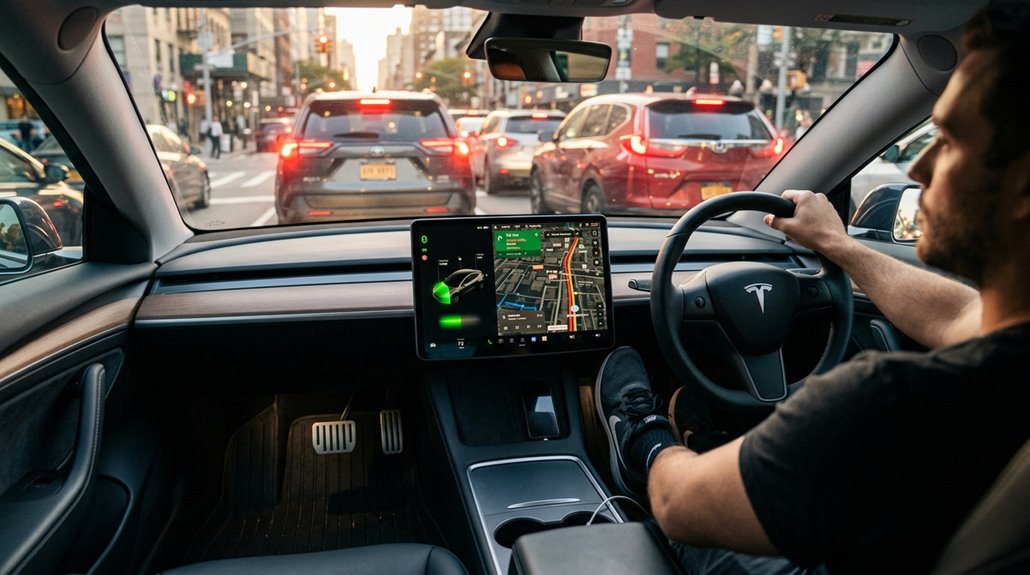
Once regenerative braking rewires how you think about deceleration, stop-and-go traffic stops being the exhausting, brake-pumping grind it’s in a conventional car — it becomes the one environment where one-pedal driving genuinely earns its name.
Urban regen shines here because repeated slowdowns mean repeated energy recovery, compounding range gains across a commute. Traffic ergonomics improve noticeably too — your right foot simply modulates one pedal instead of alternating between two.
Three settings directly shape your experience:
- Hold mode delivers the strongest regen, enabling full stops without touching the brake pedal
- Creep mode mimics conventional cars, easing forward at idle
- Roll mode coasts neutrally, splitting the difference
Enable Hold mode and let the accelerator do the work.
How to Pack the Tesla Frunk for Maximum Utility
The frunk doesn’t get nearly enough credit. At roughly 3–4 cubic feet, it’s compact but genuinely useful when packed intentionally.
| Zone | Best Items |
|---|---|
| Bottom | Emergency kit, tire tools |
| Middle | Soft bags, packing cubes |
| Top | Cables, adaptors |
| Side pockets | Cargo net, small organizers |
| Cooler slot | Cooler organizer, snacks, drinks |
Place heavy items low for stability. Stack soft bags against the curved walls since they conform where rigid cases won’t. Your cargo net keeps glass containers from becoming projectiles during hard braking. The cooler organizer earns its keep on road trips, keeping food separate from gear. Keep frequently grabbed items near the top — nobody wants to excavate their frunk at a rest stop.
How to Organize the Sub-Trunk and Trunk
Flip up the rear cargo floor panel and you’ll find one of the Model Y’s most underrated features: a deep sub-trunk well that most owners either ignore completely or fill with a disorganized heap of emergency gear.
Hidden compartments only work when you actually adjust them. Flat tray systems solve this immediately by splitting the well into two functional tiers.
Store these essentials in your sub-trunk:
- Bottom tier — tire repair kit, jack pad, and car jack
- Middle tier — mobile charger and charging adapters
- Top tray — frequently accessed items like gloves or a charging cable
Keep the surface flush so cargo sits stable above it.
Pair side cubbies with cargo nets for groceries and gym gear. Retrieval speed improves dramatically when categories stay separated.
Camp Mode Explained: Setup, Energy Draw, and Comfort
Camp Mode turns your Tesla into a climate-controlled sleeping pod by maintaining cabin temperature and airflow while the car sits in Park — activate it through the climate controls (tap the temperature icon, then select “Camp”) or remotely via the Tesla app.
You’ll want to arrive with 60–80% charge for multi-night use, since HVAC draws continuously throughout the night, with consumption climbing sharply if you’re fighting extreme heat or cold; the system cuts off automatically around 20% to keep you from waking up to a dead pack.
Once it’s running, you can dial in fan speed and airflow direction, keep interior lights at a low level, and even stream music — everything you’d want for a decent night’s sleep, minus the hotel bill.
Camp Mode Setup Steps
Setting up Camp Mode takes about thirty seconds if you know where to look. Park first—that’s non-negotiable. From there, follow these steps:
- Tap the temperature or fan icon at the bottom of your center display to open climate controls.
- Select “Camp” from the climate panel (or use the Tesla app’s Climate section if you’d rather stay outside while adjusting settings).
- Confirm the on-screen prompt, then adjust temperature and fan speed to match your overnight comfort preference.
Keep your charge above roughly 20% to prevent an automatic shutoff mid-sleep—that’s where the energy draw math actually matters. Sentry Mode disables automatically, so choose a safe, level spot. Shift out of Park and Camp Mode ends immediately.
Energy Draw Estimates
Once you’ve got Camp Mode running, the obvious next question is how much battery it’s actually going to eat overnight. Tesla estimates roughly 1% per hour as your baseline camp draw, meaning an 8-hour night costs around 8–10% in mild conditions.
Real-world results typically land between 5–15%, depending heavily on ambient impact. Cold weather forces your HVAC to work appreciably harder, pushing overnight consumption toward 15–20% in freezing temperatures.
Warm nights are far kinder, sometimes landing near 5% total. Keep your cabin temperature setpoint close to outside conditions whenever comfortable—that single adjustment dramatically reduces drain.
Also worth knowing: Camp Mode automatically cuts off at 20% battery, preserving enough charge for tomorrow’s drive.
Overnight Comfort Features
Sleeping in your Tesla overnight is genuinely comfortable once you grasp what Camp Mode actually controls and what it doesn’t. Activate it through the climate screen while parked, or remotely via the Tesla app. Cabin Maintenance runs continuously, keeping your selected temperature stable without cycling the full HVAC system on and off unpredictably.
Three overnight comfort priorities Camp Mode handles directly:
- Midnight Ventilation keeps air circulating so the cabin stays breathable
- Interior lighting remains usable without draining the 12V system independently
- USB ports stay live, so devices charge while you sleep
Note that Sentry Mode disables automatically (a reasonable trade-off). Battery drops to roughly 20% before Camp Mode deactivates, so verify your charge level before committing to a full night’s rest.
Best Mattress Sizes That Fit a Tesla Model Y and Model 3
Turning your Tesla into an overnight sleeping setup sounds straightforward until you realize that “mattress shopping” now involves wheel arch clearance and hatch geometry.
For model y mattresses, you’re working with roughly 83 inches of flat cargo length, but the wheel wells pinch width down to about 41 inches at the tightest point. Tesla’s own air mattress (74.4″ x 50.4″ x 3.1″) threads that needle well.
For model 3 mattresses, dimensions shrink considerably — shorter, narrower, and less forgiving overall, making vehicle-specific or segmented designs practically mandatory. Standard twin sizing technically fits both vehicles but wastes usable space.
Custom or semi-custom options contour around the uneven cargo floor, which matters more than thickness alone. Measure twice, order once.
How Much Power Does Camp Mode Use Per Hour?
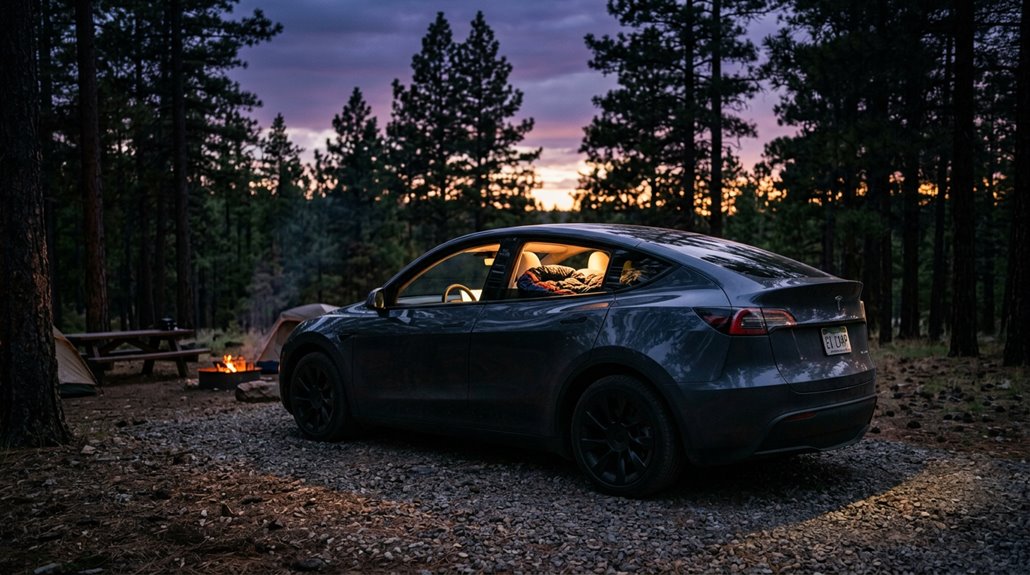
Camp Mode draws roughly 1% of your battery per hour in mild weather — a reassuringly modest toll for a full night of climate-controlled sleep.
Push into cold temps near freezing, though, and that figure climbs to 2–3% per hour, while a hot summer night running heavy A/C lands somewhere in the 1–2% range (occasionally higher, depending on how aggressively you’ve set the cabin temperature).
A typical 8-hour overnight stay in moderate conditions costs you 8–10% total, though extreme weather can push that figure past 15–20% — which is exactly why arriving at camp with at least 40% state of charge isn’t just a suggestion, it’s your margin between a comfortable morning and an anxious one.
Camp Mode Power Draw
Before you commit to an off-grid overnight stay, you need a realistic number for how much battery Camp Mode actually burns through. The overnight draw isn’t fixed—climate impact shapes consumption more than anything else.
Here’s what the data shows:
- Mild conditions — roughly 1% per hour, landing around 5–10% across an 8-hour night
- Near-freezing temperatures — heating demand pushes that figure to 15–20% overnight
- Hot weather — heavy A/C use produces similar increases, though some mild-summer tests recorded just 5% over 7.5 hours
Plan to arrive at camp with 40–60% charge. Camp Mode cuts off around 20%, so that buffer isn’t optional—it’s arithmetic. Ten to twenty percent overnight consumption is your practical planning baseline.
Hourly Energy Consumption
Most Tesla owners planning their first overnight stay want a single, honest number—and the honest answer is roughly 1% of battery per hour under mild conditions. Battery drain scales directly with HVAC load, meaning seasonal trends matter enormously.
| Condition | Hourly Draw | 8-Hour Total |
|---|---|---|
| Mild (60–70°F) | ~1% per hour | ~8% |
| Cold (near freezing) | ~2–3% per hour | ~16–24% |
| Hot (heavy A/C) | ~2% per hour | ~16% |
Insulation effects compound everything—a sun-baked roof or thin windows force your climate system to work harder. Plan conservatively at 1–2% per hour, and you’ll rarely be surprised. Cold nights are the real budget-killers here.
Battery Range Impact
Knowing how many percent per hour Camp Mode burns is useful, but what actually matters when you’re parked 40 miles from the nearest Supercharger is how much total range you’ll have left when the sun comes up.
Overnight drain across a full eight hours typically lands between 8–20%, depending heavily on temperature effects.
Here’s what that actually means for your morning:
- Mild nights: Expect roughly 8–10% drain, preserving most of your usable range.
- Cold nights: Near-freezing temperatures push drain toward 15–20%, sometimes requiring immediate next-day charging.
- Hot nights: Air conditioning working overtime can match cold-weather numbers surprisingly fast.
Tesla shuts Camp Mode down at 20% state of charge, so arriving with 40–50% gives you a comfortable overnight cushion.
Climate Control in Camp Mode: Finding the Sweet Spot
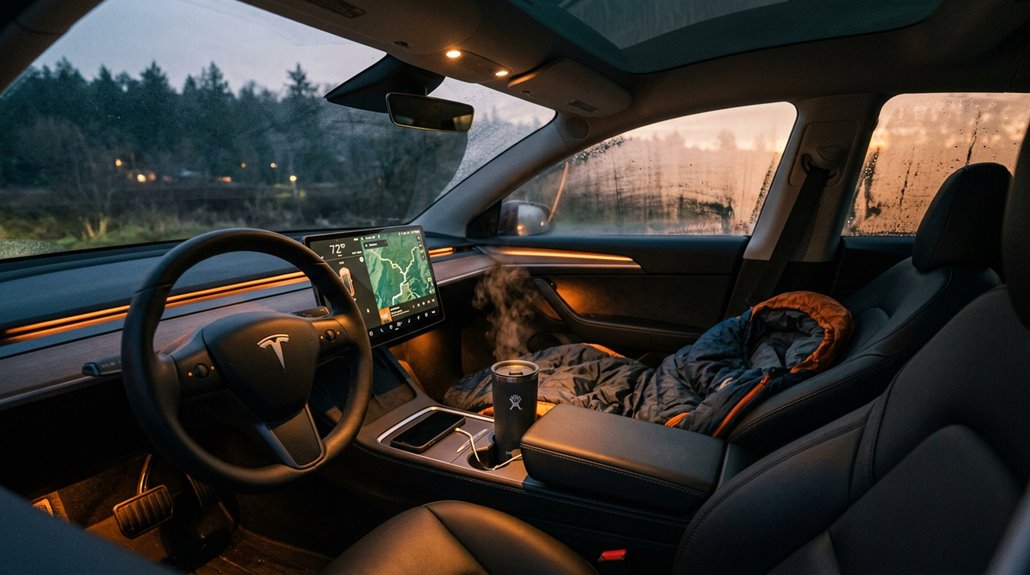
Getting a full night of sleep in your Tesla comes down to one thing: dialing in the climate without torching your battery before sunrise.
Set your temperature range between 64–69°F — cool enough for comfortable sleep, conservative enough to avoid aggressive HVAC cycling.
Fan control matters more than most campers realize. Drop fan speed to 1 for quieter airflow (nobody sleeps well next to a turbine), then redirect vents upward and toward the rear sleeping zone.
Turn off auto climate and hold a fixed fan speed manually. This prevents the system from hunting for its preferred settings and wasting energy in the process.
Adjust your rear fans to distribute airflow evenly. Small tweaks here consistently outperform cranking the temperature to extremes.
Tesla as a Mobile Office: Real Workflow and Power Setup
Your Tesla’s cabin isn’t just a place to wait between destinations — it’s a genuinely functional workspace if you set it up right, starting with a stable surface (steering-wheel desks and Model 3/Y-specific foldable trays are your best options for laptop work without the neck-and-wrist punishment of balancing a computer on your lap).
Power your devices through Tesla’s USB-C ports for light sessions, but bring a portable power station for anything longer than an hour, especially if you’re running hotspot, video calls, and a laptop simultaneously — that load adds up faster than you’d expect.
Your phone’s hotspot remains the simplest connectivity solution (Tesla Premium Connectivity handles in-car data features but won’t share internet with your laptop), so download files and cache your critical documents before heading into low-signal areas.
Interior Workspace Setup
Setting up a Tesla as a mobile office takes more planning than just parking and opening a laptop. Your driver profile saves exact seat, mirror, and wheel positions, so switching to “Work Mode” takes seconds. A slight recline creates clearance for portable desks without cramping your posture.
Here’s what actually makes the setup functional:
- Lower the steering wheel to create a physical backstop for your laptop tray
- Add neck support using a dedicated car pillow to reduce strain during long sessions
- Use window shades to cut glare and improve screen visibility
Tesla’s front cabin is genuinely spacious enough parked to support a compact workstation. Small adjustments compound into a surprisingly sustainable workspace you’ll actually want to use regularly.
Powering Devices On-Road
Powering a laptop, hotspot, and peripherals from a Tesla sounds straightforward until you actually try it. Tesla’s USB-C ports frequently underdeliver on wattage, which matters enormously when you’re running something like a Starlink Mini alongside a laptop.
The center-console 12V cigarette-lighter outlet becomes your actual workhorse here. Run a high-output car charger through it — the Anker iPhone 16 USB-C unit pushes 167.5W across three ports, while the LISEN 170W option competes closely. High wattage adapters solve what Tesla’s native ports cannot.
Power stability, however, depends heavily on cable quality and adapter compatibility; mismatched combinations often shut down within five to twenty minutes (frustrating, but predictable once you grasp the physics). Test every component combination before committing to a remote work session.
Connectivity And Productivity
Once you’ve sorted out how to keep your devices charged, the next layer of Tesla mobile-office life is connectivity — and this is where the setup either earns its keep or falls apart. Premium Connectivity ($9.99/month) extends cellular access beyond Wi-Fi, but honest remote workers still lean on a hotspot for heavy tasks.
Three workflows that actually hold up:
- Calendar routing — tap a calendar event directly on the touchscreen to route to the meeting location without manual address entry.
- In car conferencing — join Zoom calls parked, using Bluetooth earbuds to cut cabin noise pickup.
- Reference screen use — pull Google Drive files onto the display, keeping your laptop clean for actual output.
Park first. Always park first.
Using the 12V and USB Ports for Work and Devices
Plug something into your Tesla and you quickly realize the power availability isn’t as simple as “car on, ports work.” Tesla manages its 12V socket and USB ports responsively, cutting power when it detects no occupant to reduce phantom drain — a behavior that became noticeably stricter after software update 2024.32, which quietly tightened outlet availability in parked scenarios without prominently flagging the change in release notes.
12V Reliability improves markedly once you grasp the trigger: presence detection, not ignition state. Sit in the driver’s seat or tap the touchscreen, and ports activate. Enable Camp Mode, and they stay on — though climate control runs simultaneously, costing efficiency. USB Limitations matter too; ports output roughly 15W, hubs cause recognition conflicts, and rear USB-C ports on some models are charge-only with zero data communication.
Dog Mode: How It Works and What Tesla Pet Owners Need to Know
If you’re a Tesla owner with a dog, you’ve probably wrestled with the age-old question of whether to crack a window and hope for the best or drag your pet into every errand.
Dog Mode solves that problem by keeping the cabin at a set temperature through Tesla’s HVAC system while displaying an on-screen message that reassures concerned passersby (“My driver will be back soon. Don’t worry! The A/C is on.”).
To activate it, open the climate control screen, select Dog Mode near the top-right of the HVAC interface, dial in your target temperature, and exit the vehicle—just make sure your battery’s above 20%, or Tesla won’t let the feature run at all.
Dog Mode Explained
Tesla’s Dog Mode does exactly what it sounds like — it keeps your parked car’s cabin at a comfortable temperature while you’re away, so your pet isn’t baking in a 100°F oven or shivering through a January errand run. The cab interior stays climate-controlled automatically, no guesswork required.
Here’s how it works:
- Select your target temperature through the climate screen before exiting.
- The infotainment display broadcasts a reassurance message to concerned passersby.
- Temperature alerts hit your Tesla app if battery drops below 20%.
Dog Mode disables window controls and major driving functions while HVAC runs continuously. It’s not just leaving accessories on — it’s a dedicated system managing your pet’s environment until you return or the battery calls it quits.
Keeping Pets Safe
Dog Mode handles the temperature side of pet safety remarkably well, but keeping your dog actually safe inside a parked Tesla involves more moving parts than just setting the climate control and walking away.
The cabin display reassures bystanders with a temperature readout and that now-famous “My driver will be back soon” message, which handles the nosy-neighbor problem neatly.
Pet containment, however, is entirely your responsibility. Large dogs can accidentally trigger interior door releases, turning a five-minute errand into a parking lot chase. Use rear child locks, a secured crate, or a safety harness to limit access to door controls.
Pair that with remote monitoring through the Tesla app, including live cabin camera viewing where available, and you’ve built a genuinely solid safety system.
Activating Dog Mode
Activating Dog Mode is straightforward once you know where Tesla buried it in the interface. Tap the climate icon on the touchscreen, locate “Keep Climate On,” and Dog Mode appears near the top right.
Here’s the activation sequence:
- Set your desired cabin temperature first
- Select Dog Mode from the climate screen (voice command “Turn on Dog Mode” works too)
- Exit the vehicle — the system activates automatically once parked
For dog comfort, the battery-powered HVAC maintains your preset temperature indefinitely, whether that’s cooling in July or heating in January. Tesla requires above 20% battery charge to enable it.
Drop near that threshold and app monitoring kicks in — your Tesla app sends a low-charge alert before things get uncomfortable.
How to Transport Large Dogs and Multiple Pets in a Tesla
Hauling large dogs in a Tesla is less about wishing your vehicle were bigger and more about knowing which model you’re working with and how to configure it. Your cargo setup determines everything. The Model Y’s 68 cu ft hatchback with a flat load floor handles two 50-lb dogs reasonably well. The Model X handles large breeds even better. Safety restraints — barriers, secure dog vests, or secured crates — aren’t optional; sudden braking turns an unrestrained dog into a projectile.
| Model | Cargo Space | Best For |
|---|---|---|
| Model 3 | Limited trunk | Small dogs, rear seat only |
| Model Y | ~68 cu ft | Two medium-to-large dogs |
| Model X | Largest rear volume | Multiple large breeds |
Fold your second row down for crates, and always use non-slip liners.
Maintaining a Tesla: What Actually Needs Service and When
Owning a Tesla doesn’t mean escaping maintenance entirely — it means trading one set of service needs for a much shorter list.
No oil changes, no spark plugs, no transmission fluid. Battery maintenance practically handles itself, and software updates arrive wirelessly overnight.
Here’s what actually needs attention:
- Tire rotation every 6,250 miles (or when tread depth difference hits 2/32 inch)
- Cabin air filter replacement every 2 years (Model 3 and Model Y specifically)
- Brake fluid health check every 4 years, replaced only if testing warrants it
Check Controls > Service > Maintenance on your touchscreen for your model’s exact schedule — it varies by year and environment.
Salted winter roads add brake caliper cleaning annually.
Everything else? Surprisingly infrequent.
Tire Wear on Teslas: Why It Happens Faster and How to Slow It
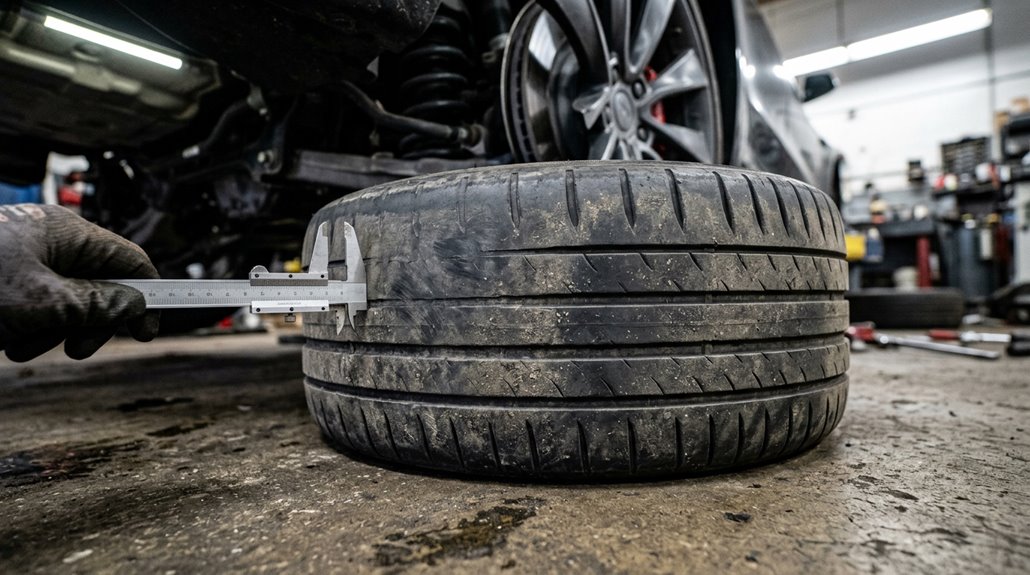
Tesla’s are heavier than comparable gas cars (battery packs add hundreds of pounds), and that extra weight combines with instant torque delivery to put noticeably more stress on your tires from the moment you pull out of the driveway.
Real-world data suggests EVs wear tires roughly 20%–50% faster than internal-combustion vehicles, with your driven axle taking the worst of it because it handles both acceleration forces and a larger share of regenerative braking loads.
The good news is that smooth throttle inputs, consistent tire pressure checks, regular rotations, and a periodic alignment inspection can meaningfully extend your tire life without requiring you to give up the performance that made you buy a Tesla in the first place.
Why Tires Wear Faster
Tires on a Tesla wear out faster than most owners expect, and the physics behind it aren’t complicated once you break them down. Three core factors drive the problem:
- Instant torque spins the driven wheels harder during launch, increasing slip and scrubbing rubber faster than a gradual combustion engine pull.
- Heavier curb weight presses more force into the contact patch, accelerating abrasion with every mile.
- Regenerative braking shifts wear patterns unevenly, stressing specific axles depending on your drivetrain configuration.
Compound this with factory performance fitments using softer rubber (built for grip, not longevity), and 30,000-mile replacement intervals become realistic rather than alarming.
Regular alignment checks catch toe misalignment early, preventing the rapid inner-edge wear that silently destroys tires before you notice anything’s wrong.
Key Contributing Factors
Grasping *why* your tires wear so fast makes the fix a lot more obvious.
Several forces gang up simultaneously. Instant torque delivers maximum rotational stress at zero RPM, shearing tread compounds before you’ve even reached 30 mph. Tesla’s substantial curb weight (Model Y weighs roughly 4,400 lbs) amplifies contact patch pressure on every corner. Factory alignment settings occasionally run aggressive negative camber, accelerating inner-edge wear faster than the outer tread. Regenerative braking redistributes deceleration stress through the drivetrain rather than eliminating it, keeping tires under constant load cycling. Low rolling resistance compounds, while excellent for range, sacrifice durability. Comprehending these overlapping contributors isn’t just interesting—it’s the foundation for improving tire longevity through smarter inflation habits, timely rotations, and disciplined launch control usage.
Slowing Tire Wear
Fortunately, most of the forces accelerating Tesla tire wear are ones you can actually influence. Driving techniques matter more than most owners realize, and small habit changes compound into significant tire longevity gains over thousands of miles.
Three adjustments deliver the biggest returns:
- Smooth acceleration — Gradual pedal application reduces micro-slipping, the microscopic rubber loss that silently scrubs tread during every launch.
- Gentle deceleration — Easing off regenerative braking shifts limits friction spikes that stress tread compounds.
- Steady cornering speeds — Avoiding repeated hard turns reduces lateral force and camber-related scrub.
Beyond driving style, rotate tires every 6,000–7,500 miles and maintain manufacturer-specified pressure (typically 42–45 PSI on most models). These habits don’t require sacrifice — just intention.
How Over-the-Air Updates Add Real Features After Purchase
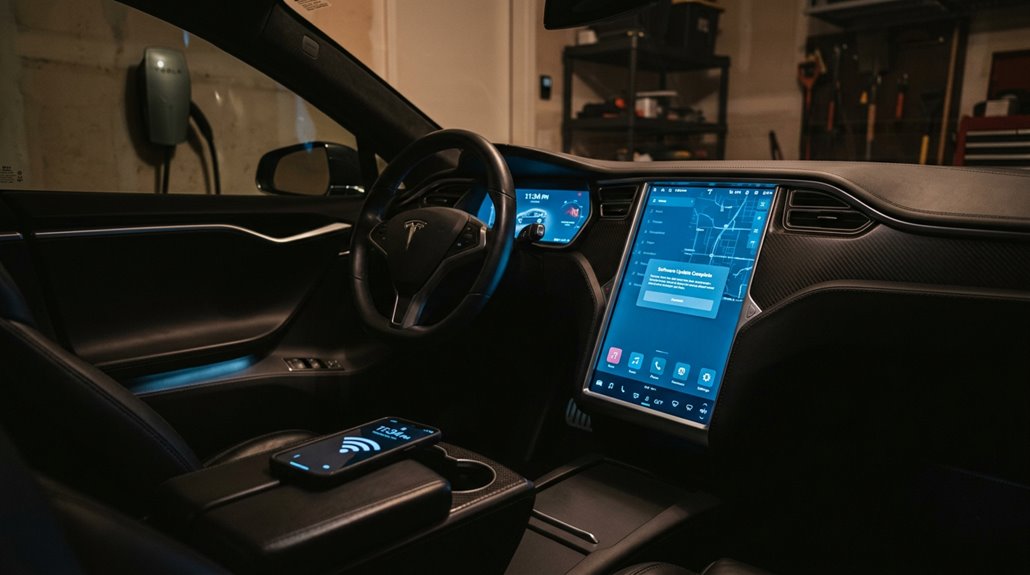
When you drive a Tesla off the lot, you’re not actually done receiving the car—at least not in any meaningful software sense. Tesla’s Feature Delivery model means your vehicle keeps improving through wireless updates via Wi-Fi or cellular. That’s the Firmware Lifecycle working in your favor: features arrive long after purchase without a service visit.
Updates download quietly in the background while parked. A green or orange arrow signals active downloading. You schedule installation yourself—nothing forces it. Once installed, release notes detail exactly what changed.
Gains are real: streaming apps, driver-assist enhancements, comfort settings, even safety recalls resolved purely through software. Select “Advanced” in update preferences for earlier access. Used Teslas benefit too, making software version practically as important as mileage.
Tesla App Control: What You Can and Cannot Do Remotely
The Tesla app turns your phone into a fairly capable remote control—but it’s worth knowing exactly where that control starts and stops before you’re standing in a parking garage expecting magic. Core remote actions cover more ground than most owners realize.
The Tesla app is a capable remote—but know where that control starts and stops before expecting magic.
- Lock/unlock doors, flash lights, honk the horn, open the frunk, and precondition the cabin
- Adjust charge limits, schedule charging, and monitor battery state and estimated range
- Send destinations to route guidance and locate nearby Superchargers instantly
Remote limits appear quickly, though. Summon and Smart Summon depend on hardware, firmware, and regional availability—not every Model 3 qualifies. Security prompts require confirmation before executing sensitive commands, which prevents accidental actions but adds friction during urgent moments. Cellular connectivity determines whether any of this works at all.
How Sentry Mode Protects Your Tesla at Home and Away
When you lock your Tesla and walk away, Sentry Mode keeps its external cameras and sensors powered on, scanning for threats like attempted break-ins, tampering, or sudden vehicle movement (such as someone trying to tow it).
At home, you can configure exclusion zones — mark your driveway or garage as a trusted location so the system doesn’t drain battery unnecessarily every night.
Away from home, though, Sentry Mode earns its keep by pulsing the headlights, triggering the alarm, and flashing an exterior warning message the moment it detects something suspicious — then saving footage directly to onboard storage if you’ve got a supported USB drive installed.
How Sentry Mode Works
Sentry Mode turns your parked Tesla into a 24/7 surveillance station, using the same camera array that powers Dashcam to monitor for threats while you’re away from the vehicle. It’s disabled by default, so you’ll need to activate it manually.
The system operates across three escalating response levels:
- Monitoring – Minor nearby activity triggers passive observation without recording.
- Alert – Close approaches or light contact saves short multi-camera clips to your USB drive.
- Alarm – Serious events (impacts, window breaks, towing attempts) activate pulsing headlights and an audible alarm.
Legitimate parking surveillance comes with reasonable privacy concerns—the exterior display notifies bystanders that cameras may be recording.
One practical limit worth knowing: Sentry Mode automatically disables itself at 20% battery charge.
Home Protection Features
Parking your Tesla at home every night doesn’t mean Sentry Mode needs to run every night. Tesla’s privacy settings let you exclude specific locations — Home, Work, Favorites — so the system stays off where it genuinely isn’t needed. A secure garage security setup makes that exclusion logical; nobody’s tampering with a bolted garage door.
This matters practically because Sentry Mode consumes battery, and while recent updates reduced that drain by 40%, unnecessary overnight use still chips away at your morning range. The system cuts off automatically at 20% charge anyway.
When you do enable it elsewhere, Sentry Mode pulses headlights, displays a recording warning on the center screen, and saves timestamped footage to a USB drive — solid evidence when incidents actually happen.
Away Monitoring Capabilities
Away from home, your Tesla fundamentally becomes a parked security camera — and a fairly capable one. Live Camera lets you remotely view all exterior angles through the Tesla app, provided you have premium connectivity active. That’s genuinely useful before walking back to a sketchy parking garage.
Here’s what remote viewing actually gives you:
- Real-time exterior surveillance from your phone
- Encrypted access (Tesla itself can’t see your feed)
- Situational awareness before you approach the vehicle
The honest tradeoff is battery drain. Sentry Mode consumes roughly one mile of range per hour, and camera-based detection captures frequent pedestrian activity, compounding that drain. It also shuts off automatically below 20% charge.
Smart feature — just don’t park for three days and expect full range afterward.
Supercharging Etiquette and Unwritten Rules Every Owner Should Know
Pulling into a Supercharger station comes with an unofficial rulebook that Tesla never prints but every long-term owner eventually learns—sometimes the hard way. Stall etiquette starts with grasping power sharing at older V2 sites—adjacent stalls split available power, slowing both vehicles. Choose non-adjacent stalls when possible.
| Situation | Correct Behavior | Why It Matters |
|---|---|---|
| V2 stalls with neighbor | Skip to next available stall | Preserves full charging speed |
| Queue etiquette unclear | Ask waiting drivers directly | Avoids cutting the honor-system line |
| Session hits 80% | Prepare to unplug and leave | Remaining 20% takes disproportionately long |
Move promptly once charging completes. The Tesla app notifies you—use it. Lingering after a full session frustrates waiting drivers and breaks one of the community’s most fundamental unwritten rules.
How to Charge Smarter and Protect Long-Term Battery Health
Three rules worth memorizing:
- Keep daily charging between 20% and 80%—lithium-ion cells degrade faster under sustained high voltage.
- Use charge scheduling through your Tesla’s app to finish charging close to departure, minimizing time sitting at peak charge.
- Reserve 100% charges for road trips only—not Tuesdays.
Frequent shallow top-offs beat deep discharge cycles every time.
DC fast charging is a travel tool, not a daily ritual.
Small, consistent habits protect the pack for years.
The Tesla Energy Ecosystem: Solar, Powerwall, and EV Charging Together
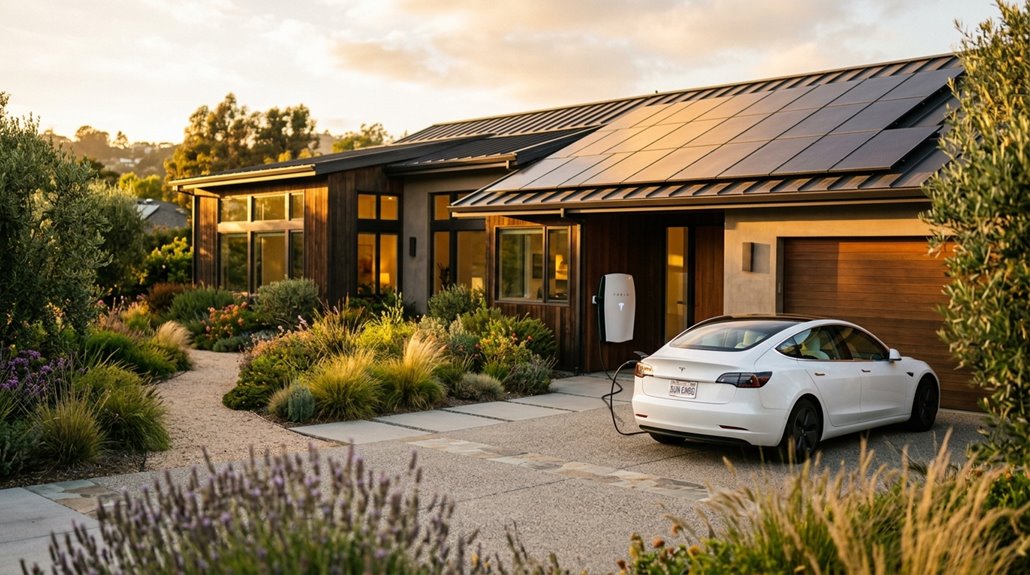
Owning a Tesla opens something most EV drivers overlook: a full home-energy stack where solar panels, a Powerwall, and your Wall Connector operate as a single coordinated system rather than three separate purchases sitting on the same property. Solar integration means surplus energy charges your battery instead of disappearing into the grid. Powerwall orchestration handles the sequencing automatically — Storm Watch fills reserves first, then excess flows to your car.
| Powerwall Mode | EV Charging Priority |
|---|---|
| Self-Powered | Highest solar allocation |
| Backup Reserve | Reserve fills first |
| Storm Watch | Grid prep takes precedence |
| Time-Based Control | Reduced solar availability |
| Virtual Power Plant | Charging may pause |
The system recalibrates every 10 seconds, requiring roughly 1.2 kW of stable excess solar before charging begins.
Running Your Home on Tesla Solar and Powerwall During Outages
When the grid goes down, a standalone solar system goes dark with it — Tesla’s own documentation confirms that solar panels without a Powerwall won’t operate during an outage, a fact that surprises most new installers. Powerwall changes that equation entirely.
Without a Powerwall, your solar panels go dark the moment the grid fails — no exceptions.
Here’s how backup runtime actually works:
- One Powerwall stores 13.5 kWh, covering roughly 11 hours at average whole-home draw.
- Solar recharge kicks in automatically between 8 AM and 4 PM, potentially extending backup indefinitely.
- Essential-load-only configurations (excluding HVAC, dryers, ovens) dramatically stretch your reserves.
The math gets uncomfortable fast — a 5 kW continuous draw exhausts a single Powerwall in under three hours. Prioritize refrigerators, lighting, and medical equipment first. Let solar recharge handle the rest.
Fifteen Tesla Features Hidden in Plain Sight
Most Tesla owners spend the first month hunting through menus looking for settings they didn’t know existed — and the irony is that the best ones weren’t buried at all. Hidden Shortcuts live inside long-press interactions: hold the left scroll wheel, press-and-hold quick-control strips, or swipe-and-hold icons to unlock customizable actions without entering any menu.
Camera Tricks work similarly — your Blind Spot Camera activates automatically during lane changes, while Sentry Mode quietly records exterior activity you can review later through the dashcam viewer.
Calendar integration surfaces appointment addresses as navigational suggestions.
Pin-drop route guidance handles trailheads where street addresses simply don’t exist.
Scheduled departure aligns charging with off-peak rates while preconditioning your cabin simultaneously.
Joe Mode reduces chime volume. These features aren’t hidden — they’re just waiting for you to hold down the right button.
Tesla Community Culture: Forums, Clubs, and Owner Networks
Buying a Tesla gets you a car — it also drops you into one of the most opinionated, technically obsessive owner communities in the automotive world.
Tesla shut down its official forums in March 2021, moving activity to Engage Tesla, a controlled platform where you can comment but can’t start threads. For real conversation, you’ll want independent spaces.
Here’s where owners actually connect:
- Tesla Motors Club — the deepest independent forum for technical troubleshooting
- Tesla Owners Online — broader community discussion and ownership advice
- Local Owner’s Clubs — regional networks organizing owner meetups and advocacy campaigns
These communities combine practical support with genuine brand enthusiasm.
Whether you’re diagnosing a charging quirk or joining a direct-sales advocacy campaign in Nebraska, there’s a corner of this ecosystem built for you.
Customizing Your Tesla With Wraps, Mods, and Accessories
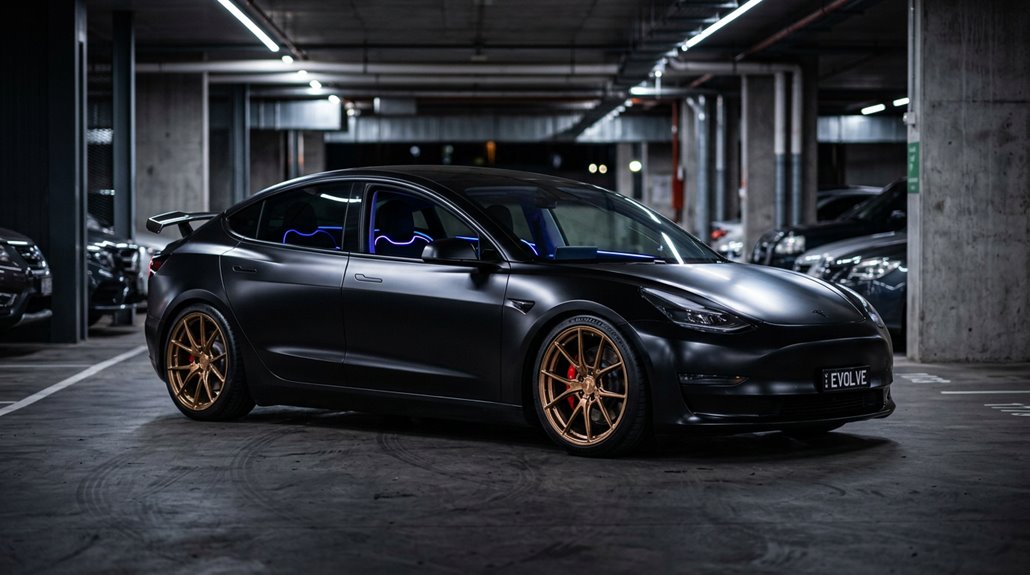
Tesla’s factory paint lineup is deliberately limited — Pearl White, Midnight Silver, Deep Blue, Red, and Black — which means wrapping your car is less a niche hobby and more a logical extension of ownership culture.
Finishes range from gloss and matte to satin, metallic, chrome, and color-shift films, giving you design flexibility no factory order form matches.
Partial wraps targeting door handles, B-pillars, and charge-port accents deliver meaningful trim aesthetics without full-vehicle commitment.
Vinyl also shields original paint from chips, scratches, and UV degradation — wrap durability typically running one to two years depending on installation quality and maintenance discipline.
Tesla Shop sells wraps for Model 3, Model Y, and Cybertruck, with advisor consultations guiding color selection before a follow-up installation appointment (which can span several days).
Family Life in a Tesla: Car Seats, Road Trips, and Kid-Friendly Features
Raising a family around a Tesla involves more logistics than the ads suggest — child seats, cargo chaos, and the eternal question of whether the third row is actually usable.
Before your next roadtrip packing session spirals, consult a car seat compatibility chart by model:
- Model 3 fits two rear-facing or forward-facing seats comfortably; three don’t fit.
- Model X (7-seater) loses third-row access when a car seat occupies the second-row center position.
- Model X (6-seater) monopost seats preserve third-row walkthrough — genuinely useful for larger families.
Model 3’s lower LATCH anchors sit roughly one inch into the seat bight but remain accessible.
Top tether anchors on the rear shelf are clearly marked.
Front passenger space stays workable even with an infant seat installed behind.
Who Should Buy a Tesla and Who Should Not
Whether a Tesla fits your life comes down to three practical filters: where you charge, how far you drive, and what you’re willing to pay upfront. Daily commuters with home charging win here — lower energy costs and zero gas-station stops make ownership genuinely rewarding. High-mileage drivers recoup the premium faster through fuel and maintenance savings.
But charging limitations matter enormously. Apartment owners without dedicated outlets face real inconvenience, depending heavily on public infrastructure. Rural drivers encounter similar friction between sparse Supercharger locations.
Watch the financial side carefully. Insurance surprises catch many buyers off guard — carriers often classify Teslas as luxury vehicles, pushing premiums higher than expected. Resale concerns also exist; short-term owners rarely recover enough savings to justify depreciation. Know your situation before committing.