
Most valet guides won’t tell you this: Valet Mode doesn’t necessarily cut off your Tesla’s charging. While it restricts speed, limits cabin access, and hides personal data, the fate of your battery while it sits in that hotel garage comes down to a few overlooked mechanical and software details. Get this wrong, and you could return to a dead battery — or worse, a charging session that never happened. Here’s exactly what you need to know.
Can You Charge a Tesla in Valet Mode?
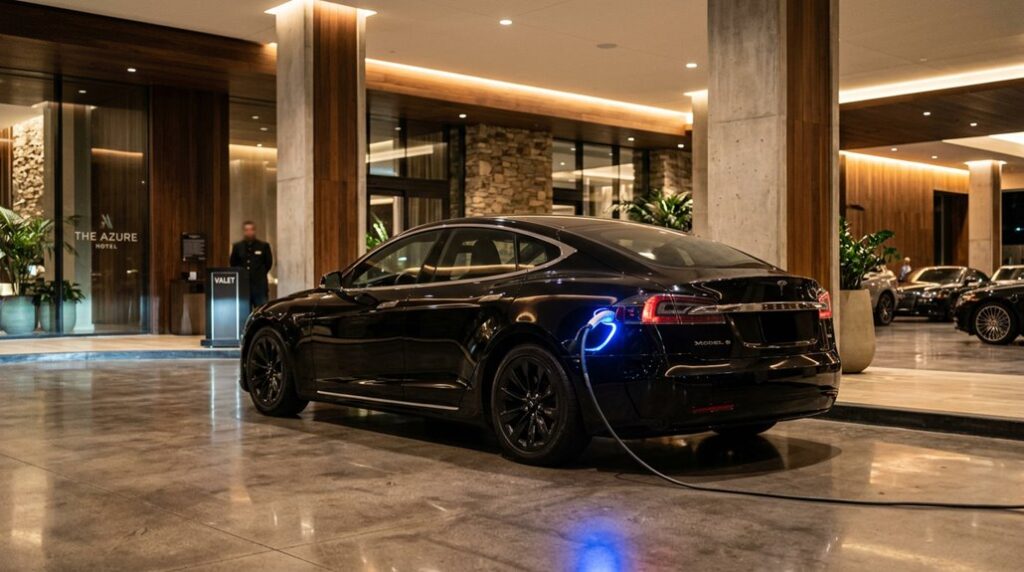
Yes, you can charge a Tesla in Valet Mode — and the two functions work together without conflict. Tesla designed Valet Mode specifically to allow safe vehicle handoffs without blocking essential operations like charging. Think of it as a controlled accessibility option: the valet gets limited control, and you keep the important stuff running.
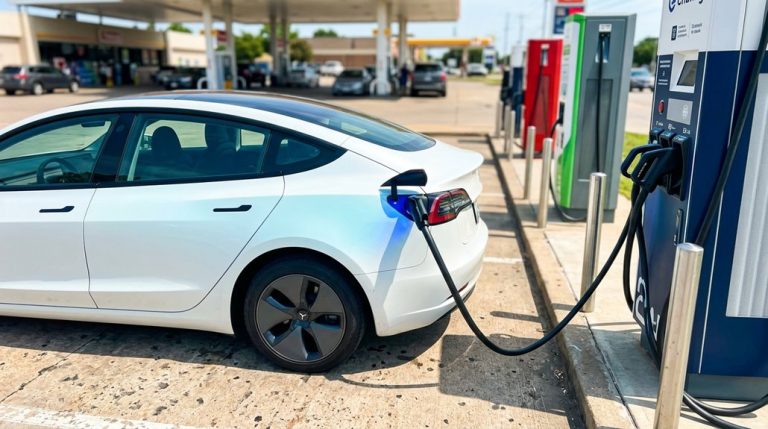
The charge port remains fully accessible, meaning an attendant can plug in the connector without needing your PIN or maneuvering restricted menus. There’s no emergency override required to make this work — charging simply continues as normal. Unlike a traditional key fob system where access levels are binary (full access or none), Tesla’s Valet Mode operates on a tiered permission structure.
The valet drives; the car charges. Good charging etiquette here means briefing your attendant clearly before handing off, since they won’t have visibility into your charging schedule or preferences through the locked interface. For reference, tyre pressure readings and many other vehicle details remain viewable through the touchscreen’s standard controls, though restricted menus stay protected under your PIN.
Handing over your Tesla in valet mode feels secure on screen, but the weak point is usually the key itself—because once it’s out of your control, it can still be scanned, misplaced, or used in ways you didn’t intend. Keep your Tesla key card protected in a RFID-blocking wallet case so valet staff can charge and park your car without exposing your key to unwanted scans or access.
What Valet Mode Actually Restricts and What It Leaves Alone
Valet Mode isn’t a blunt instrument — it’s a surgical one, targeting specific systems while leaving others completely untouched. Grasping the vehicle limitations helps you hand over your keys with confidence rather than anxiety.
On the restriction side, Valet Mode disables Autopilot, blocks Full Self-Driving, cuts Wi-Fi and Bluetooth, locks the glove box and front trunk, and caps speed at 70 mph with roughly 50% reduced acceleration. The privacy protections run deep too — saved addresses, contacts, voice commands, and your key list all disappear from the display.
What remains untouched? Charging. The charge port, scheduled charging settings, and active charging sessions operate completely independently of Valet Mode’s locked-down environment. The trunk stays accessible as well (presumably so luggage doesn’t become a hostage situation). Your car will charge exactly as programmed — Valet Mode has no jurisdiction over the battery management system whatsoever.
Enabling and disabling Valet Mode is straightforward once you know where to look. The toggle lives under driver profiles in the touchscreen menu, and the Tesla mobile app offers an alternative route through Controls, allowing you to switch the mode off without entering a PIN since the app’s login already serves as authentication. Tesla’s broader software architecture makes this kind of remote control possible because vehicles are built to receive over-the-air software updates that modify functionality without any physical intervention.
Valet mode controls what happens on the screen, but it doesn’t stop curious hands from reaching into the cabin while your Tesla is parked out of sight. That’s where small valuables like cards, adapters, or personal items can quietly become exposed without you ever noticing until later. Add a Tesla center console hidden storage and lockable organizer box so anything you leave inside stays out of sight and out of reach while your car is in valet mode.
Can Valet Staff Plug In Your Tesla Without PIN Access or App Control?
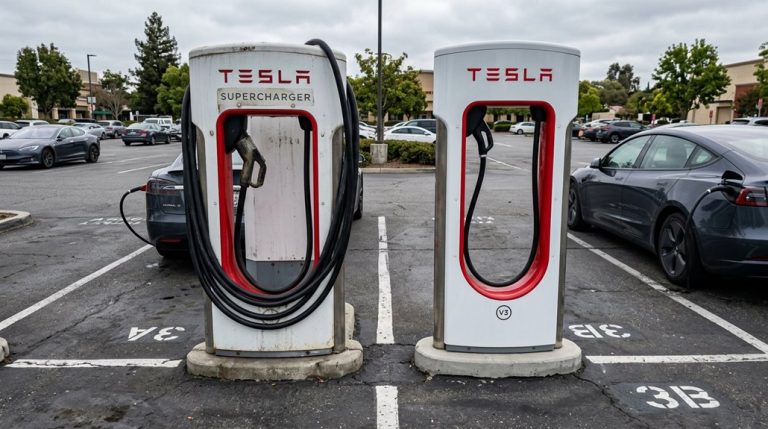
A valet can plug in your Tesla without your PIN, without your app, and without ever touching a screen. The charge port opens physically — press the center of the port door, and it pops. No key card, no app handshake, no authorization sequence required. Tesla deliberately separated charging access from drive access, which means Valet Mode‘s restrictions (speed limits, glove box locks, privacy filters) simply don’t apply to the charge port.
Here’s where access etiquette matters: your valet doesn’t need deeper system access to plug in a cable, so granting it would actually expand valet liability unnecessarily. Keep Valet Mode active, keep your PIN disabled (as Valet Mode does automatically), and let the physical connector do its job. The car charges normally under full valet restrictions. No workarounds, no special permissions — just a cable and a port that was designed to remain open for exactly this reason. If the valet is plugging into a hotel or restaurant charging station, those outlets use AC Level 2 power, making them well-suited for the multi-hour dwell time a valet stay typically involves.
How to Adjust Charge Limits and Schedule Departures Remotely While Valet Mode Is Active
One underappreciated advantage of Tesla’s app design is that Valet Mode doesn’t release your charging controls — you retain full remote access to charge limits and departure scheduling while the car sits locked down at the valet stand. Through app permissions, you can slide the charge limit anywhere between 50% and 100%, or set a scheduled departure so the battery and cabin hit target conditions before pickup.
| Remote Action | Blocked by Valet Mode? |
|---|---|
| Adjust charge limit slider | No |
| Set scheduled departure time | No |
| View live charge percentage | No |
| Unlock charge port remotely | No |
Remote scheduling works because Tesla routes these commands through its servers, bypassing whatever local restrictions Valet Mode enforces on the touchscreen. The car stays locked down behaviorally, but your charging logic runs independently. Just confirm the vehicle is online before expecting instant updates. Tesla recommends keeping the charge limit at or below 80% for daily use, as charging above 80% triggers a shift from constant-current to constant-voltage delivery that significantly reduces charging power and adds unnecessary cell stress over time. Home charging is disabled when Valet Mode is active, meaning the car won’t initiate a charging session on its own, so any charging that occurs must be remotely authorized through the app.
How Sentry Mode, Phantom Drain, and Idle Fees Affect Your Battery During Valet Parking
Parking a Tesla with the wrong settings active is how you return from a three-day trip to find your battery meaningfully depleted — not because the car drove anywhere, but because it never actually slept.
Sentry Mode alone draws roughly 150W–250W continuously, translating to approximately 1% battery drain per hour. Climate effects compound this further when Cabin Overheat Protection or preconditioning keeps systems running.
The culprits behind excessive valet-parking drain include:
- Sentry Mode — prevents sleep entirely, sustaining high background power consumption
- Third-party apps — frequent polling wakes the car repeatedly, adding phantom drain
- Climate features — Cabin Overheat Protection and Smart Preconditioning extend active system time
- Continuous wakefulness — sustained alertness (not parking itself) drives most measurable loss
Disable Sentry Mode and climate-maintenance features before handing over the keys. A sleeping Tesla loses dramatically less — the math isn’t complicated, but forgetting it’s expensive. For reference, Tesla’s compact drivetrain design eliminates many traditional wear points, but the battery’s vulnerability to sustained parasitic loads during stationary periods remains one of the ownership details worth internalizing early.
What Happens to Charging if Valet Mode Is Left On Overnight
Leaving Valet Mode running overnight is one of those situations that sounds more alarming than it actually is. Valet Mode restricts driving behavior and cabin access — it doesn’t interfere with your car’s charge management logic. If your Tesla is plugged in and the session is active, energy keeps flowing into the battery regardless of Valet Mode status.
That said, overnight monitoring still matters. Charging interruptions can occur for reasons completely unrelated to Valet Mode — a tripped breaker, a loose connector, or a reached charge limit will all stop the session cold. If your target state of charge was set to 80% and the car hit that threshold at 2 a.m., it’ll sit there until morning without adding a single kilowatt-hour. Most owners keep their daily charge limit between 70 and 80 percent of total battery capacity to protect long-term battery health, making a mid-night cutoff a routine outcome rather than a malfunction.
The honest takeaway: Valet Mode left on overnight is a convenience issue, not a charging problem. Your bigger concern is whether your charging setup held up through the night.
What to Tell Your Valet About Charging, Speed Limits, and Touchscreen Access
Knowing that Valet Mode won’t interrupt your charge session overnight is useful, but it doesn’t help much if the person parking your car doesn’t know what they’re working with. A quick briefing saves confusion and prevents avoidable mistakes around charger etiquette and touchscreen limitations.
A quick briefing prevents avoidable mistakes — valets need context, not just keys.
Before handing over the keys, cover these four points:
- Charging is allowed — plugging in is perfectly fine if chargers are available on-site
- Speed is capped at 70 mph (113 km/h) — acceleration is also reduced roughly 50%, so aggressive driving isn’t happening
- Navigation and voice commands won’t work — touchscreen limitations mean no destination searches, no recent addresses, no shortcuts
- The frunk and glove box are locked — trunk access works, but those two compartments stay secured
That’s genuinely all they need. Valets aren’t troubleshooting your car’s software stack — they just need to know what’s locked, what’s limited, and what’s pluggable. It’s also worth mentioning that Bluetooth is disabled, so if they’re expecting to connect a phone for audio, that won’t be an option while Valet Mode is active. Keep in mind that Tesla operates as an SAE Level 2 driver-assistance system regardless of mode, meaning the driver behind the wheel always bears legal responsibility for the vehicle’s actions.
Frequently Asked Questions
Does Valet Mode Affect Tesla’s Regenerative Braking or One-Pedal Driving Behavior?
Like a ghost in the machine, Valet Mode doesn’t touch your regenerative limitation or braking feel — you’ll still experience one-pedal driving behavior exactly as battery conditions and your settings allow.
Can a Valet Accidentally Disable Valet Mode Without Knowing the PIN?
No, a valet can’t accidentally disable Valet Mode without your PIN. Tesla’s PIN security makes it nearly impossible through user error alone—they’d need your Tesla account credentials or a logged-in phone to cancel it.
Will Valet Mode Reset Automatically After a Set Time or Distance?
Valet Mode won’t reset through an automatic timeout or distance trigger. It stays active until you manually disable it using your PIN or Tesla Account authentication, regardless of how much time passes or how far the car travels.
Does Valet Mode Affect the Tesla’s Climate Control or Cabin Preconditioning?
Like a locked door that still lets sunlight through, Valet Mode doesn’t block your climate control or preconditioning schedule. You’ll retain full cabin ventilation access, so your Tesla stays comfortable without interference.
Can Multiple Drivers Use the Same Valet Mode PIN Across Different Tesla Vehicles?
You can use shared PINs across different Tesla vehicles, but there’s no account linking feature that syncs them automatically. You’d need to manually set the same PIN on each car individually.