
Your Tesla isn’t charging slowly by accident—it’s doing exactly what it was designed to do. Battery chemistry, thermal limits, and a quietly aggressive BMS are all working against your timeline, often without a single warning on the screen. The frustrating part? Most drivers never realize these systems can be adjusted, reconfigured, or outright bypassed. Every kilowatt you’re losing has a specific culprit and a specific fix.
Why Is Your Tesla Charging Slow? Battery Chemistry, Thermals, and BMS Behavior
When your Tesla charges slower than expected, the culprit is almost never the charger itself — it’s the electrochemical reality happening inside your battery pack.
Battery chemistry dictates that lithium-ion cells accept less current as they fill up, because available ion sites at the anode and cathode shrink with every percent gained. Think of it like trying to pack a suitcase that’s already 90% full — physics wins.
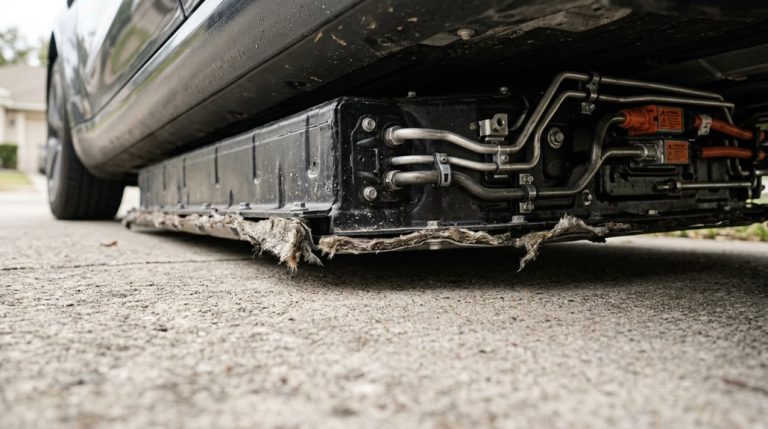
Your battery management system (BMS) enforces this reality aggressively, throttling current near 80–90% state of charge to protect cell integrity. Tesla’s shared hardware platform means battery cells are physically identical across trim levels, yet software controls how much of that capacity is accessible depending on your configuration.
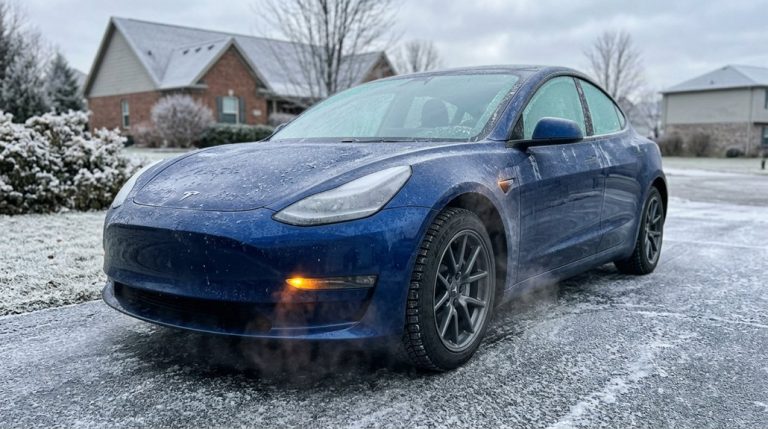
Thermal management compounds everything. Cells charge most efficiently around 20–25°C (68–77°F), and deviating outside that window — whether you’re parked in a Minnesota winter or a Phoenix summer — triggers protective power reductions. Cold batteries risk lithium plating, a genuinely damaging condition. Hot batteries simply overheat. Either way, the BMS slows charging deliberately, and correctly.
LFP batteries, found in some RWD Model 3 variants, tolerate high state of charge better than nickel-based chemistries and experience comparatively less degradation when charged to 100%.
Supercharger V2 vs V3 vs V4: Why Your Charging Speed Differs
Not all Superchargers are created equal, and if you’ve ever plugged into one and gotten a noticeably different charge rate than last time, the generation of hardware you’re connected to is likely why.
Not all Superchargers deliver equally — the generation of hardware you’re connected to likely explains everything.
V2 stations top out at 150 kW and use paired stalls, meaning an adjacent car literally splits the available power with you. V3 eliminates that problem entirely.
Here’s how the generations stack up:
- V2: Up to 150 kW, paired stalls reduce real-world delivery, roughly 100 miles per 10 minutes
- V3: Up to 250 kW with liquid cables sustaining higher current, approximately 150 miles per 10 minutes
- V4: Newer hardware with future expandability, though current real-world speeds often mirror V3
V4 sounds impressive on paper, but your vehicle’s acceptance rate remains the actual ceiling. The charger can offer 250 kW; your battery decides what it actually takes. The V4 cabinet is built around a tray-based modular design housing roughly 16 internal power conversion modules, future-proofing the architecture for vehicles capable of accepting far higher thresholds than today’s consumer models. In real-world testing, the total time difference between a full V2 and V3 session from zero to 100 percent was only seven minutes.
When Tesla charging starts slowing down, most owners assume it’s the charger—but the real issue often comes from routine Supercharging and heat buildup that quietly pushes the battery into a more cautious charging mode. Switch to a portable Tesla Level 2 home charging station so you can charge overnight at a steady pace and avoid relying on fast charging sessions that can contribute to long-term charging slowdown.
Wall Connector and Onboard Charger Limits That Cap Home Charging Speed
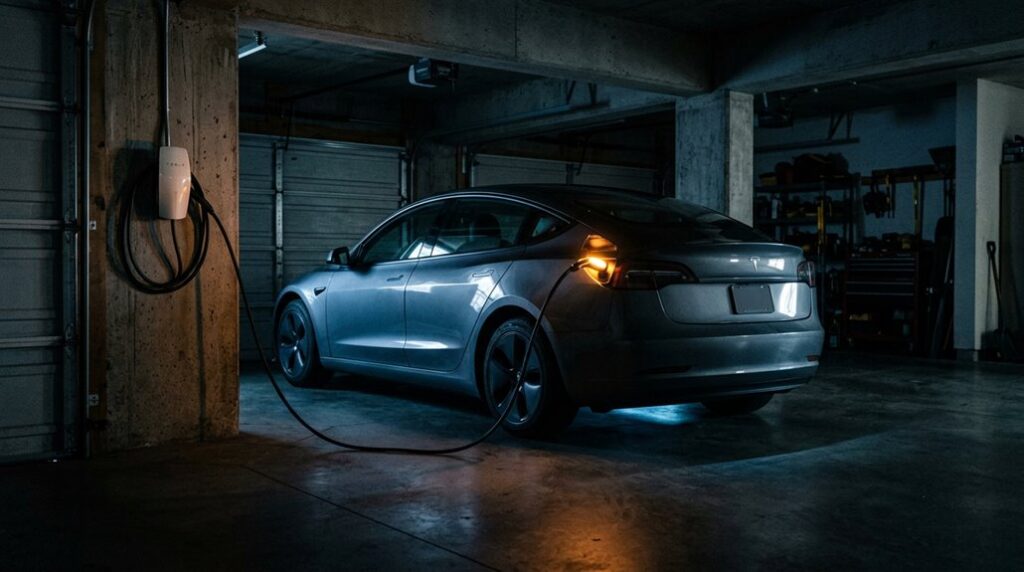
Plugging a Tesla Wall Connector into your garage wall doesn’t automatically unseal maximum home charging speed — two separate hardware limits can quietly cap what actually flows into your battery.
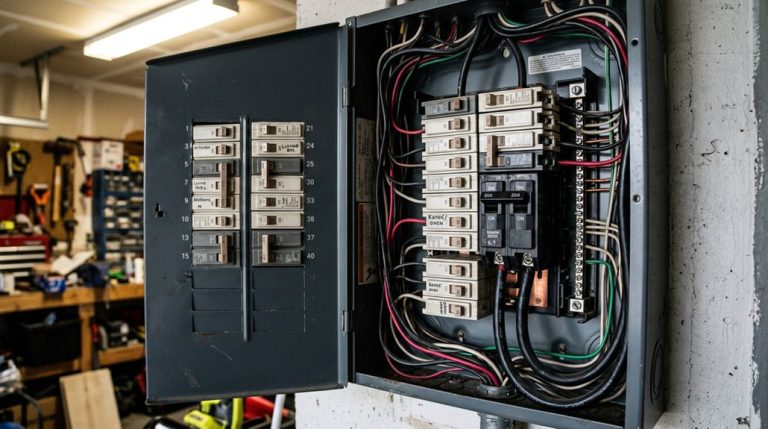
The first is circuit limitations. Your Wall Connector’s output ceiling depends entirely on your breaker size: a 60-amp circuit delivers 48 amps (11.5 kW), while a 40-amp circuit drops that to 32 amps (7.7 kW). That’s a meaningful difference at 2 a.m. when you’re hoping for a full charge by morning.
The second constraint lives inside your car. Onboard limits mean your vehicle’s AC charger dictates what it’ll actually accept. Model 3 RWD and Model Y RWD max out at 32 amps (7.7 kW) regardless of how capable your Wall Connector is.
Both limits operate simultaneously — whichever is lower wins. Grasping which hardware is restricting you determines whether upgrading your panel or your vehicle actually solves the problem. Beyond hardware limits, consistently charging at home on slower AC power rather than relying on repeated DC fast charging is actually the better choice for battery health over the long term.
Charging slowdowns don’t always start with the battery—sometimes it’s the smallest things at the connection point that quietly reduce efficiency. Dust, moisture, and minor corrosion can build up over time, weakening the contact between plug and port just enough to affect charging speed without triggering any obvious warning. Keep your charging port clean and protected with a Tesla charging port dust and moisture cover kit so every plug-in maintains a strong, stable connection without hidden resistance slowing things down.
Tesla App Settings, Scheduled Charging, and Preconditioning That Restore Full Speed
Before assuming your Wall Connector or breaker is the problem, check the Tesla app — because software settings are responsible for more “slow charging” complaints than hardware ever is.
Software issues cause more slow charging complaints than hardware ever does — check your Tesla app first.
Three app-based culprits worth verifying immediately:
- Scheduled charging: A saved schedule delays charging until your designated window, so plugging in at 9 PM means nothing if charging’s set to start at midnight.
- App overrides on charge limits: Sliding your limit below current battery level effectively tells the car it’s already “done,” killing active charging entirely.
- Precondition timing: A cold battery throttles incoming current until temperatures normalize — scheduling preconditioning 30–45 minutes before charging or departure restores full acceptance rates.
These aren’t obscure settings buried in menus.
They’re front-facing controls you’ve likely touched without connecting them to charging behavior.
Audit your app’s charging screen methodically — scheduled windows, amp limits, and precondition timing — before suspecting anything physical.
For non-LFP battery owners, keeping your daily charge limit at 80% reduces unnecessary stress on the pack while also ensuring the car isn’t starting from a position that conflicts with your scheduled charging window.
Frequently Asked Questions
Can a Dirty Charging Port Actually Slow Down My Tesla’s Charging Speed?
Yes, a dirty charging port can absolutely slow your Tesla’s charging speed. Dirty contacts and port corrosion increase electrical resistance, forcing your car to throttle current and triggering protective alerts that limit charging performance.
Does Battery Degradation Permanently Reduce How Fast My Tesla Can Charge?
Yes and no. Degradation shrinks your battery capacity, which alters your charging curves, but it doesn’t permanently cap your peak charging power unless severe cell imbalance forces your battery management system to throttle it.
Does Charging Next to Another Tesla at a Supercharger Reduce My Speed?
Yes, it can. Many Supercharger stalls share power cabinets, so adjacent charging splits available output between both cars. Avoid cable stacking by opting for a non-adjacent stall whenever you’re able to.
Can Cold Weather Permanently Damage My Tesla Battery if I Charge Without Preconditioning?
Cold exposure won’t permanently damage your battery by itself, but repeated thermal stress from fast-charging a freezing pack risks lithium plating. Tesla’s BMS limits current to protect you, though preconditioning still helps long-term health.
Does Frequent Supercharging Accelerate Long-Term Battery Degradation in Tesla Vehicles?
Frequent Supercharging doesn’t markedly accelerate battery aging in your Tesla. Fleet data shows minimal degradation differences, so you won’t face warranty implications from routine fast charging when you let thermal management do its job.