
Most EV drivers treat non-Tesla chargers like a foreign country — intimidating, confusing, and best avoided. That’s exactly why they’re stranded while smarter drivers glide past them. The truth is, thousands of charging stations sit untapped, fully accessible to anyone willing to spend ten minutes preparing before leaving home. The right connectors, the right apps, and a handful of moves most drivers never bother learning separate a seamless road trip from a frustrating roadside nightmare. Read on to see exactly how simple it really is.
How To Find Non-Tesla Superchargers That Are Actually Compatible With Your EV
Not every Tesla Supercharger on the map is open to you, and the difference between a compatible stall and a Tesla-exclusive one can mean the difference between a smooth charge and a wasted detour.
Not every Supercharger on the map is yours to use — know the difference before you drive.
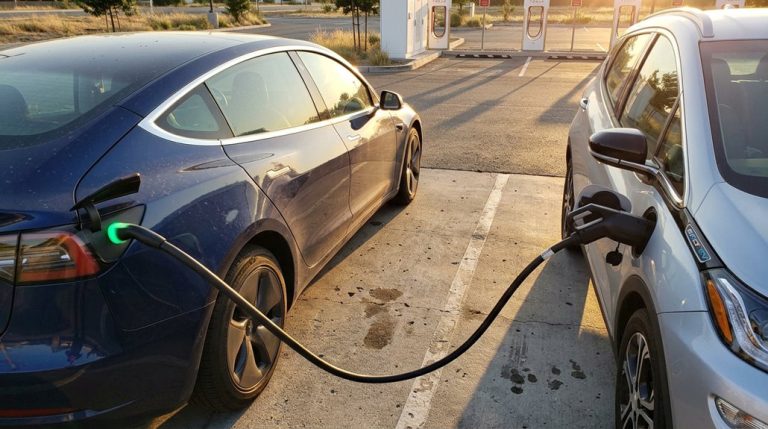
Your first station compatibility check starts with connector type. NACS-equipped vehicles plug directly into newer Superchargers; CCS1 vehicles typically need an adapter or a Magic Dock-equipped stall. CHAdeMO drivers (Nissan Leaf owners, especially) are currently out of luck entirely.
Run through your connector checklist before planning any stop. Open your Tesla app, locate the station, and confirm it’s labeled for non-Tesla access.
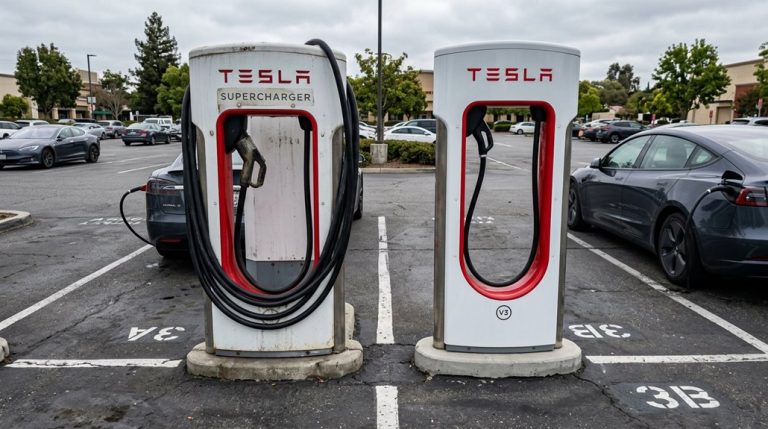
V3 and V4 Superchargers are your targets; V2 stations generally remain Tesla-exclusive. Look for the black collar on the charging handle as a physical confirmation.
Cross-check everything with PlugShare or Chargeway, because regional availability varies and not every enabled station appears consistently across platforms. Non-Tesla Supercharger access is limited to North America, so drivers in other markets will need to rely on different charging standards and networks entirely. With over 17,800 Tesla Superchargers now accessible to non-Tesla EVs via compatible adapters, the network represents one of the most significant expansions in public charging availability for all electric vehicle owners.
Get Your Hardware and App Ready Before You Leave Home
Pulling up to a Supercharger without the Tesla app installed is the fastest way to turn a quick charge stop into a parking lot frustration session.
Non-Tesla charging at Superchargers runs entirely through the app—no on-site card readers, no contactless terminals.
Get everything sorted before you leave the driveway.
Here’s your pre-departure checklist:
- Install the Tesla app and create your account at home, where app security verification (two-factor prompts, email confirmation) won’t delay your session
- Add a valid payment method and confirm billing details are active before your first charge attempt
- Confirm your vehicle profile and whether your connector requires a CCS adapter or NACS-compatible hardware
- Organize your cable storage so the correct adapter sits accessible, not buried under cargo, and your phone carries a full charge with working mobile data
Preparation at home eliminates variables at the station. You can also use the Tesla app to verify whether a specific Supercharger location supports non-Tesla vehicles before you commit to routing your trip through it.
If your route includes multiple charge stops, enabling navigation to a Supercharger triggers battery preconditioning, warming the pack so you arrive at peak charging speed rather than waiting for cold chemistry to catch up.
How To Start a Non-Tesla Charging Session Without the Usual Headaches
With your adaptor staged and the Tesla app loaded, you’re already ahead of most first-timers standing at a Supercharger stall wondering why nothing’s happening.
Open the app, select Charge Your Non-Tesla, and locate your site. Then pick the exact stall number (look for labels like 1A or 2B on the post base — stall etiquette matters here because authorization binds to that specific unit, not the station generally).
Once you’ve confirmed the stall, the app prompts authorization automatically. Don’t plug in yet.
Wait for the session to initialize, which typically takes seconds up to about one minute depending on site generation. Magic Dock locations handle accessory release through the equipment itself, cutting manual steps entirely.
Plug in only after the session is ready. These app tricks — stall selection first, plug second — are the exact sequence that separates a clean session start from a frustrating one. Starting your session through the app also unlocks membership pricing, which contactless payment on Version 4 units won’t provide.
The United States now hosts over 130,000 chargers, meaning backup options are rarely far away if a non-Tesla station is occupied or malfunctioning. Knowing this removes pressure from any single charging stop and lets you plan with confidence rather than anxiety.
Why Your Non-Tesla Session Failed and How To Fix It Fast?
Something failed — and before you assume the worst, the fix is usually faster than the diagnostic spiral most drivers fall into.
Most non-Tesla session failures trace back to a pilot handshake breakdown, a connector inspection problem, or a station-side fault that has nothing to do with your vehicle.
Run through this before assuming battery trouble:
- Switch stalls immediately — a neighboring charger confirms whether the fault is station-side or vehicle-side within two minutes
- Inspect the connector and charge port for debris, moisture, scorching, or a recessed pin before retrying
- Check your charge limit setting — if your battery already hit the target, the session won’t start, full stop
- Reseat the adaptor firmly — a J1772 adaptor that’s seen heat or moisture can mimic a deeper vehicle fault
Most failures resolve at the connector level.
Start physical, then go digital. On chargers running dynamic load management, a session interrupted by high household consumption often cannot be restarted remotely and requires a physical unplug and reconnect to re-establish the charging handshake.
Cold weather slows all charging tiers, so if your session appears sluggish rather than failed outright, preconditioning your battery while still plugged in draws thermal energy from the grid rather than the pack and can restore a stalled handshake attempt.
Build a Backup Plan When Non-Tesla Supercharger Access Falls Through
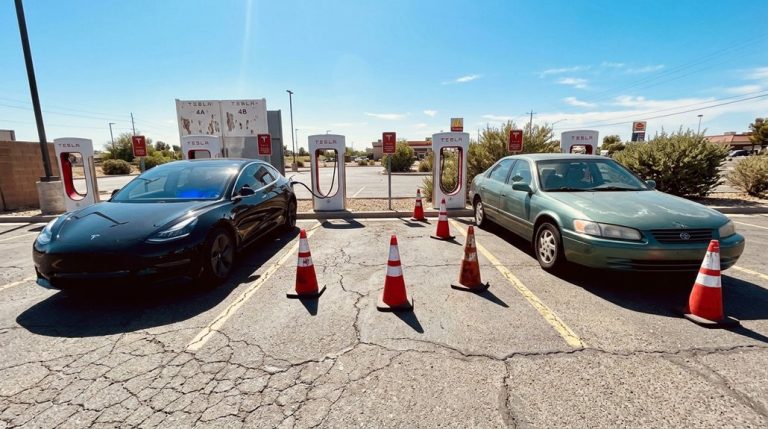
When a Supercharger site turns you away — wrong connector hardware, Tesla-only restriction, or a stall bank that’s simply full — your trip doesn’t stall if you’ve already mapped what comes next.
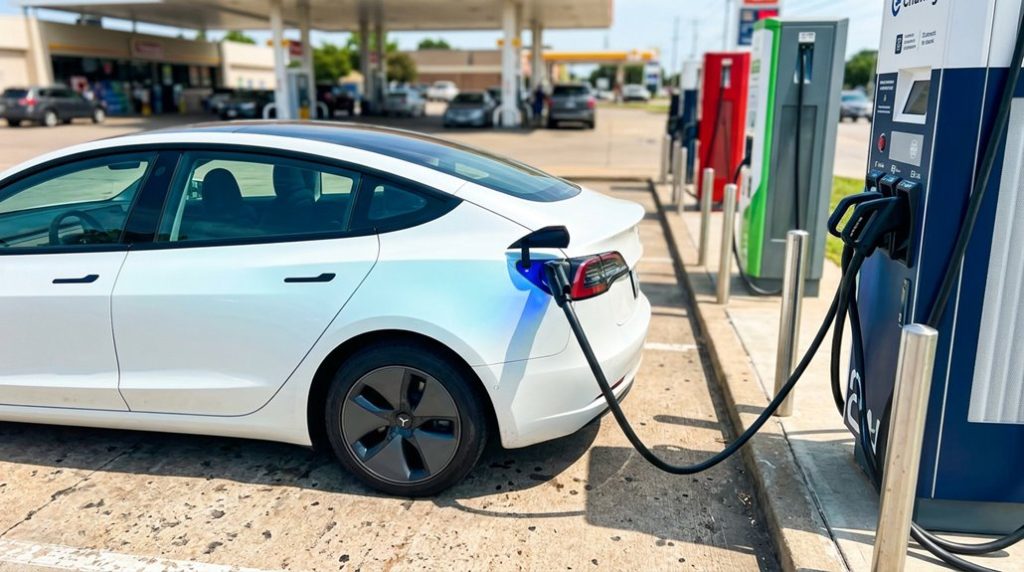
Build your backup plan in layers before departure. Your primary fallback is a verified non-Tesla-accessible Supercharger along the same corridor. Your secondary fallback is a public CCS DC fast charger on alternate routes covering the same stretch. Your tertiary option is destination charging — hotel J1772 outlets with the proper adapter. Emergency fallback means Level 2 charging at lodging or workplaces (slower, but functional).
Cross-reference PlugShare and ABRP to confirm each site’s open-access status. Keep emergency contacts for Tesla Support and your third-party network’s customer service saved in your phone — app failures happen, and a live agent can authorize sessions remotely. One backup isn’t enough. Three is the actual minimum. Using non-certified chargers with your Tesla carries targeted warranty denial risk for the affected charging system, so verify that any third-party DC fast charger you rely on meets recognized safety and compatibility standards before adding it to your backup plan.
Frequently Asked Questions
Can I Charge a Non-Tesla EV Overnight at a Supercharger Station?
You *can* plug in overnight, but you shouldn’t. Superchargers aren’t designed for long stays, and overnight etiquette matters. Without permission access for extended parking, you’ll face high costs and block fast-charging stalls others need.
Does Tesla Charge Idle Fees to Non-Tesla Vehicles After a Session Ends?
Tesla won’t charge you idle fees after you unplug your non-Tesla EV—fees only apply while you’re still connected. With rates hitting $1.00/minute, avoid a billing dispute by disconnecting promptly once charging ends.
Will Preconditioning Work on Non-Tesla EVS Before Arriving at Superchargers?
Preconditioning compatibility depends on your EV’s thermal management system. If your non-Tesla supports fast-charger routing, it’ll automatically warm the battery. Otherwise, you’ll need a manual workaround or third-party device to trigger it beforehand.
Can Multiple Non-Tesla EVS Charge Simultaneously at the Same Supercharger Site?
Yes, multiple non-Tesla EVs can charge simultaneously at approved sites. You’ll need converter compatibility, payment integration via the Tesla app, and an open, accessible stall that isn’t physically blocked by another vehicle’s parking position.
Does Charging Speed Differ Between Tesla and Non-Tesla Vehicles at Superchargers?
Yes, charging speed can differ. Your car’s charging tiers and connector negotiation with the Supercharger determine actual output. Non-Tesla EVs often charge slower because their maximum acceptance rates cap what the station delivers.