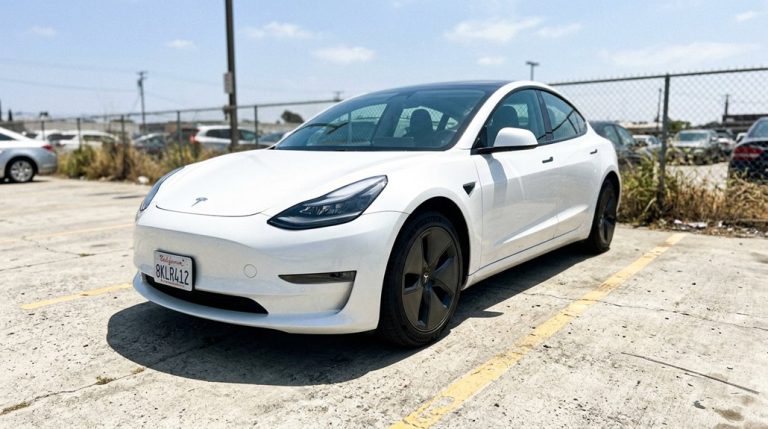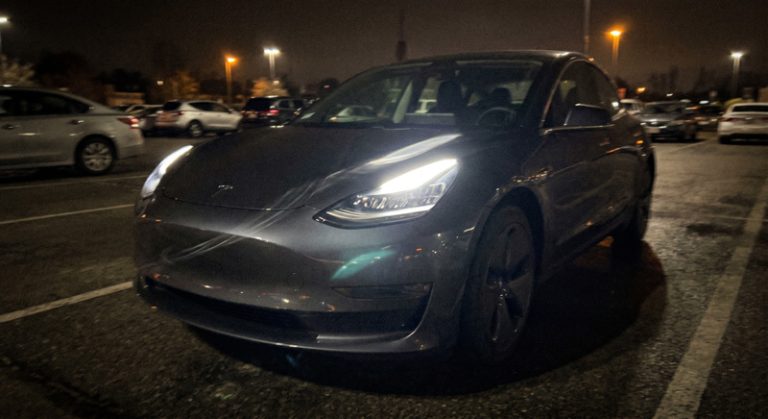

Most drivers set their collision avoidance sensitivity once and never think about it again—assuming factory defaults are “good enough.” They’re not. Tesla’s Automatic Emergency Braking responds differently depending on whether you’ve selected early, normal, or late warning thresholds, and the wrong choice doesn’t just trigger unnecessary alerts—it leaves dangerous gaps in your protection. The calibration that suits a highway commuter could actively work against a city driver. Here’s what you’re probably getting wrong.
How Collision Avoidance Levels Actually Work in Your Vehicle
Collision avoidance isn’t a single switch — it’s a layered architecture that moves from passive warnings to active physical intervention depending on how quickly a threat develops. Your vehicle’s system continuously processes data from radar, cameras, and forward-facing sensors, running it through an algorithm (think of it as a constant threat calculator) that measures closing speed and time-to-impact in real time. Algorithm transparency matters here: the system isn’t guessing — it’s applying physics.
At the first level, you get warnings only — visual, audible, or dashboard alerts that flag imminent danger without touching your controls. No intervention, just information. That’s effectively Level 0 assistance.
Escalate the threat, and automatic emergency braking engages, supplementing or fully replacing your braking input. Below roughly 50 km/h (31 mph), braking handles most scenarios. Above that, steering intervention becomes relevant when lanes are clear. Sensor calibration determines how accurately each threshold gets triggered. Systems like Tesla’s use sensor fusion to combine camera-based lane marking and surrounding-vehicle detection with other sensor inputs, improving the reliability of control decisions across varied road conditions.
Even when the system reacts perfectly, slowing the vehicle reduces impact speed but cannot always prevent a collision when the closing rate is too high.
Tesla’s collision avoidance system can react fast, but it doesn’t always capture the full story of what happens before or after a close call—especially in parking lots or low-visibility situations where context matters most. A Tesla-compatible front & rear dash cam system records continuous 4K footage from both angles, giving you a clear reference point for incidents, false alerts, or near-misses that built-in sensors alone may not fully explain.
Which Collision Avoidance Level Fits Your Driving Environment?
Your driving environment should be the first thing you think about when configuring collision avoidance — not personal preference, not aesthetics, not what your neighbor runs on his Model Y. Where you actually drive determines everything.
Your driving environment should shape every collision avoidance decision — not preference, not aesthetics, not what works for someone else.
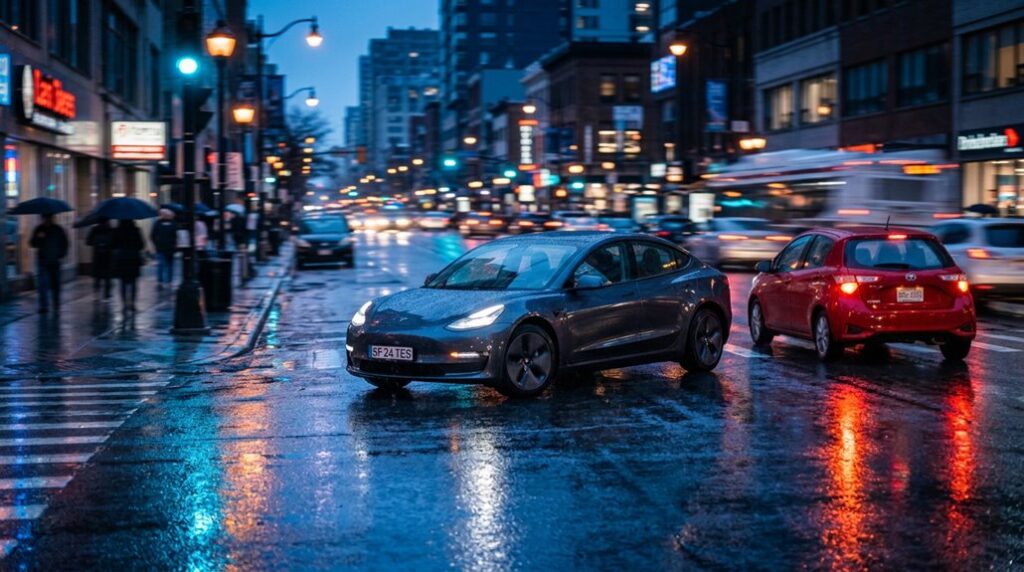
Urban commuting presents dense, unpredictable conditions — frequent merges, cyclists, parked cars, abrupt stops. Here, combining forward collision warning with automatic emergency braking delivers measurable results (research links that pairing to roughly a 50% reduction in rear-end crashes). Run your settings on the more sensitive end.
Rural highways demand a different calculation entirely. Higher speeds compress your reaction window markedly, so earlier alerts and proactive automatic braking intervention become genuinely critical rather than optional. However, rural routes often feature faded lane markings and poor lighting, which can weaken camera-based lane detection — something worth acknowledging honestly.
Mixed environments? Err conservative. The system works as a safety layer, not a substitute for your eyes. Over-the-air updates can also quietly shift how your collision systems behave, so it’s worth periodically reviewing your settings after your Tesla receives a software update from Tesla.
Tune Warning Timing Before You Turn Anything Off
Before you reach for the “disable” button, check whether your system even has a warning timing adjustment — because that single setting change might be all you actually need. Most drivers kill early alerts entirely when a simple timing tweak would’ve handled their driver preferences just fine.
Toyota’s PCS gives you three timing options through Settings > PCS > Warning Timing. Hyundai’s system offers “Normal” or “Late” under Settings > Vehicle > Driver Assistance > Forward Safety Warning Timing. Honda’s CMBS uses “Long” and “Short” sensitivity settings that function identically.
Here’s the catch: Toyota explicitly warns that shifting to a later timing can suppress emergency steering assist in most scenarios. So you’re not just quieting an annoying beep — you’re adjusting a layered system. Hyundai clarifies their timing change only affects the initial warning, not the braking response. Know which knob you’re actually turning before touching anything. Tesla handles this differently through remote software updates, which can quietly adjust Autopilot logic and collision response behavior overnight without any driver interaction.
Adjust Volume and Alerts Without Disabling Braking Assist
Most drivers jump straight to the kill switch when the system fires off one too many phantom braking events — but that’s usually the wrong move, because you’ve got surgical options sitting right below that setting. Before you disable braking assist entirely, dial down the warning volume first. Most manufacturers (Hyundai included) bury this under Settings > Vehicle > Driver Assistance > Warning Methods, giving you a dedicated volume slider that’s completely separate from the braking function itself.
Here’s the smarter play: reduce audio alerts while keeping haptic feedback active. Steering wheel vibration still registers subconsciously, so you’re not flying blind. Some systems also support alert prioritization, meaning safety warnings automatically cut through your media volume — a useful layer you’d lose by going fully silent. When evaluating any changes to driver assistance settings, it’s worth knowing that Magnuson-Moss Warranty Act protections prevent a manufacturer from voiding your entire vehicle warranty simply because you’ve adjusted or modified a single system setting.
Turning braking off just to escape noise is like removing your smoke detector because the battery chirps. Fix the chirp instead. On Lincoln vehicles, for example, you can adjust alert sensitivity to low, normal, or high through Settings → Driver Assistance → Pre Collision Assist → Alert Sensitivity — without ever touching the braking function itself.
Even with Tesla’s advanced collision avoidance system, low-speed scrapes and tight parking situations can still come down to how visible obstacles are in the real world, especially in dim garages or poorly lit urban spaces. Automotive radar reflective safety tape for parking and obstacle marking adds high-visibility cues to curbs, pillars, and tight corners, making them easier to detect visually and helping reduce unnecessary close calls in everyday driving situations.
Why Your Collision Avoidance Settings Reset After Every Restart?
So you’ve dialed things in just the way you want — warning volume at a tolerable level, haptic feedback still doing its job — and then you restart the car and it’s all back to square one. That’s not a glitch. It’s intentional.
EU General Safety Regulation 2 (GSR2), enforced across European and UK-market vehicles since July 2024, requires certain safety systems to reactivate after every ignition cycle. Collision avoidance, lane support, and emergency braking all fall under this regulatory compliance umbrella. Manufacturers deliberately store your preference as a session-only value, not a permanent profile change.
What you’re actually doing when you “turn it off” is applying a temporary override — valid for that trip only. The next power cycle restores the certified baseline. Some systems even limit your options to sensitivity adjustments rather than a true disable state. That’s by design, not oversight. These systems rely on cameras and radar sensors to detect vehicles or obstacles ahead, which is part of why manufacturers treat their operational state as non-negotiable between drives. Manufacturers can also selectively enable or disable features post-production through software-controlled feature gating, meaning the boundary between what your vehicle does and what it is physically capable of doing is often determined by code rather than hardware.
Frequently Asked Questions
Can Collision Avoidance Settings Be Permanently Saved Without Resetting Each Restart?
Most collision avoidance user settings don’t permanently save — they reset after each restart. Firmware updates occasionally change this behavior, but you’ll typically find the system reactivates itself automatically, with only warning preferences persisting reliably.
Does Towing a Trailer Affect How Collision Avoidance Sensors Detect Hazards?
Like a lighthouse obscured by fog, your sensors struggle when towing. A trailer creates sensor blindspots and trailer sway confuses hazard detection, making your collision avoidance system slower, less reliable, and demanding your full, undivided attention.
Will Aftermarket Window Tint Interfere With Forward-Facing Collision Avoidance Cameras?
Aftermarket window tint can interfere with your forward-facing collision avoidance cameras, especially near the mirror zone. You’ll want to follow local Tint Regulations and choose non-metallic Infrared Films to maintain optical clarity and prevent false alerts.
Can a Tesla Profile Remember Different Collision Avoidance Levels per Driver?
While Tesla’s profile memory stores many driver preferences, it doesn’t officially confirm collision avoidance levels as one of them. If you share your Tesla, you’ll need to manually adjust this setting each time.
Does Collision Avoidance Performance Degrade in Heavy Rain or Snow Conditions?
Yes, it does. Heavy rain and snow cause sensor attenuation and visibility scattering, which degrade your Tesla’s collision avoidance reliability markedly. You should reduce speed, increase following distance, and never over-rely on mechanized safety systems during severe weather.